


Kiklas/Shutterstock
We may receive a commission on purchases made from links.
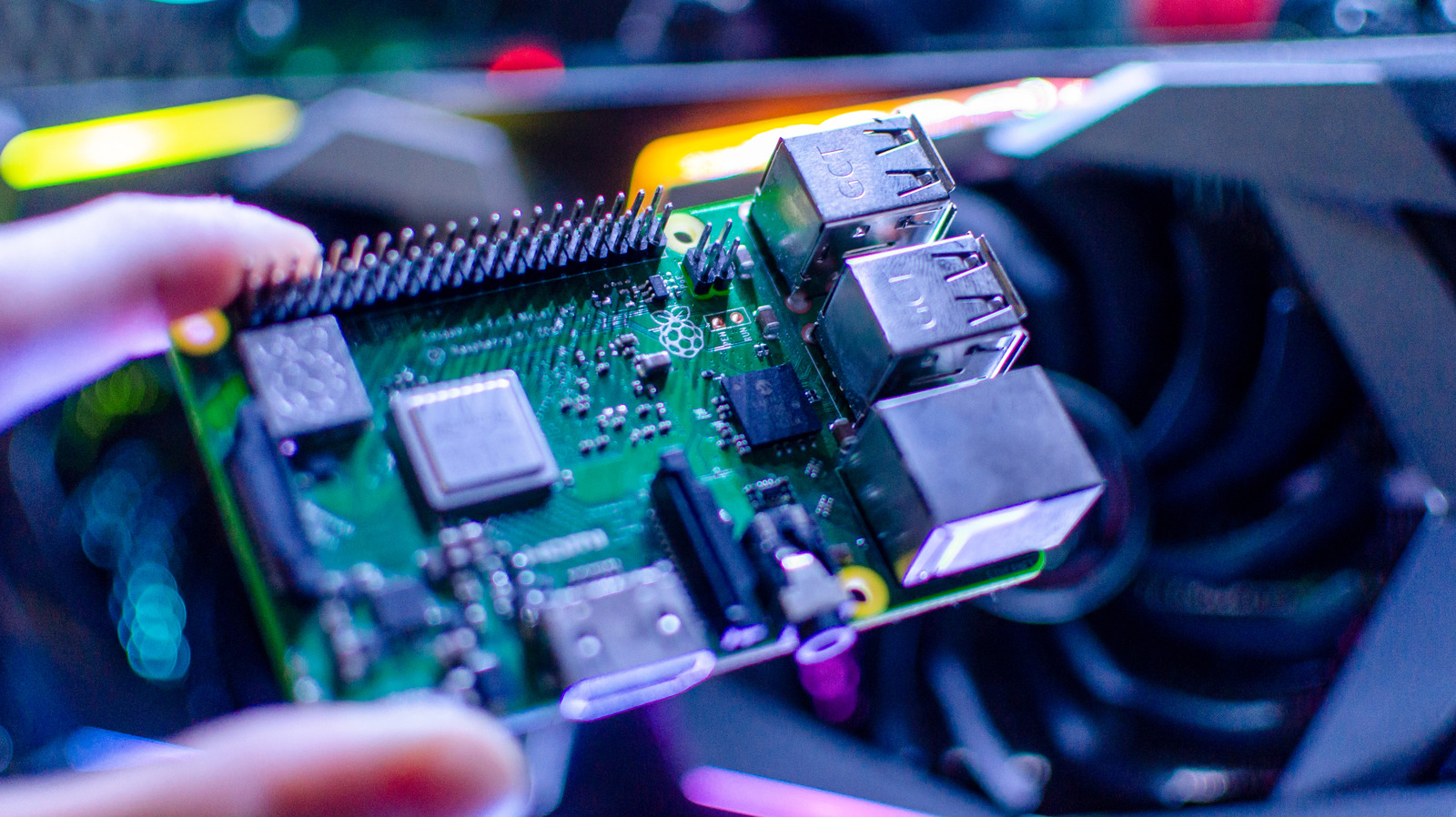
The Raspberry Pi line of devices includes some of the coolest pieces of technology to come around in the last several years. These single-board computers are incredibly small but offer an impressive amount of power for their compact form factor. The largest models are roughly the size of a credit card, with the smallest just larger than a stick of gum.
These little devices are complete computers designed for educational purposes, meaning users can easily employ them in all sorts of fun projects. We scoured several Raspberry Pi communities, looked to various online creators, and took into account our own personal experiences with the Raspberry Pi platform to find some of the most fascinating and useful projects that you can put together yourself.
From ways to keep you better protected online to building your own dream video game console, the following Raspberry Pi projects are all designed to make your life a little bit safer, a little more secure, and a lot more fun. The best part is that all of these projects are small and don’t take a degree in computer science to put together. And, if you are new to the Pi platform, there are a number of Raspberry Pi tips beginners should know before getting started.
Protect your privacy with this Pi router
Spencer’s Desk/YouTube
Your Internet Service Provider (ISP) provides a router when it connects you to the internet. It’s usually a little black box that takes the signal from the cable modem and transmits it to all your devices using Wi-Fi technology. Wi-Fi is great, but if you live in an apartment where community Wi-Fi is shared across entire buildings, it can become a privacy nightmare.
With a custom-built Raspberry Pi router like the one put together by YouTuber Spencer’s Desk, you’ll be able to connect to your community Wi-Fi and then route the signal to all your devices through a Raspberry Pi. This will prevent your ISP from being able to see the router on the network and also help you secure and have more control over your in-unit network.
If you have a normal home network, you might not need to worry about sharing your Wi-Fi with strangers, but you might not have the level of control that you want. Major ISPs often require you to use their dedicated routers. These devices can restrict access to features and settings, making the addition of a Raspberry Pi router a good way to take back control over internet traffic into and out of your devices.
Build a tiny network-wide ad blocker
Daniel Chetroni/Shutterstock
There is nothing more annoying than being inundated with ads everywhere you go online. While ads are an essential way to help websites and content creators make money, they are bothersome at best and dangerous at worst. Malvertising can infect your device through malicious code hidden inside ads. And because ads are loaded automatically when you visit a site, you could become infected without even knowing it.
You could always use an ad blocker extension on your browser, but this comes with its own set of issues. Compatibility concerns often arise, and you’ll also need to install blockers on every individual device. And that’s without even mentioning all the gadgets that connect online, but that you can’t install an ad blocker on. But what if you could block ads before they even get to any of your devices?
Enter a Raspberry Pi ad blocker using Pi-hole, as demonstrated by YouTuber RelfWolf. This little project works on the smallest Raspberry Pi Zero model and blocks ads and trackers across your entire network. Pi-hole is a lightweight, open-source, Linux-based application that can run just fine on a low-powered machine like a Raspberry Pi. Operating at the network level, Pi-hole intercepts ads before they have a chance to get to any of your devices, and the best part is that there are no browser extensions to install and no subscriptions to sign up for.
Create a private Netflix-like streaming service
Tanit Boonruen/Getty Images
Streaming services were supposed to save us from the costs associated with cable television. But as companies discovered that they could make money with their own services instead of licensing content to Netflix and other big companies, the dam burst. With so many platforms available today, it’s beginning to feel like it’s more expensive than ever to watch the shows you want.
This is why the popularity of physical media, especially among younger generations, is growing. And if you have a Raspberry Pi, a couple of old SSDs, and a portable USB DVD burner, you have nearly all you need to create your own streaming service at home. YouTuber Michael Klements has a step-by-step guide to how you can turn a Raspberry Pi into a complete home storage solution that you can connect to locally to access the media you want.
This is a project that the whole family can take part in, allowing you to decide as a group what to include in your home library, and setting passwords to control which members have access to which content. You can curate only the media that you want to see, and using a program like OpenMediaVault gives you access through a web interface. It’s also a fun way to archive your movie collection to protect your discs from constant use.
Build a truly mini retro gaming console
trickyaamir/Shutterstock
There are a lot of ways to play retro games, from buying classic games on modern consoles to grabbing one of the multitude of officially released mini consoles. But what if you already have a large library of classic games and simply don’t want to spend a fortune buying everything again?
If you have a Raspberry Pi and a wireless controller, you have all you need to create a multi-console system that can even play many of your Steam games, as well as media-based games. You’ll be able to enjoy all your favorites from the 1970s all the way into the 2000s, depending on what model Raspberry Pi you use. This is a great way to play games in, say, your living room, while saving wear and tear on your classic consoles and games you might have in a dedicated game room — or just stashed away.
YouTuber Bytes N Bits has a great guide that shows you how to turn a cheap Raspberry Pi Zero into the ultimate retro gaming console. You can even find third-party companies, such as GeekPi, that create custom cases (like this one on Amazon) resembling retro consoles for various models of Raspberry Pi. This is another project that the whole family can get in on and have fun using together.
Create a small offline AI voice assistant
mattcabb/Shutterstock
One of the most intriguing projects for the Raspberry Pi has to do with AI. With ChatGPT and other AI chatbots all the rage, what if you could harness the power of a chatbot, but do so completely offline? It might sound like a herculean task considering the requirements of most Large Language Models (LLMs), but with a Raspberry Pi 5, you can indeed create your own personal offline chatbot.
YouTuber Jdaie Lin shows you how to do just that. The chatbot you can build with a Raspberry Pi 5 can recognize your voice, generate a response to your commands or questions, and speak back its findings. This is the perfect project for those interested in AI chatbots, but who don’t want to sign up for a subscription like with ChatGPT, or might not want their conversations possibly recorded, monitored, or even leaked by bad actors.
This chatbot runs completely offline on a local level, using tools like Ollama for running the LLM and Whisper and Piper for voice interactions. There is no internet required, and while it might not be as fast or advanced as online offerings, it’s a pretty cool tool to have with you. It can even mimic emotions through the built-in display, making it a fun little companion for those who often find themselves off the grid.
Methodology
Robtek/Getty Images
When selecting the Raspberry Pi projects featured here, we looked to the broader Raspberry Pi community, especially among YouTubers with large followings of Pi enthusiasts, to find out what users were creating, what they found most useful, as well as those projects from creators who were pushing the platform to its very limit. We also wanted to find projects that served a practical purpose while also being relatively easy to complete.
From projects to protect yourself and your network online, to ways to better enjoy your time at home, these projects were chosen to fill a need or satisfy a curiosity that might otherwise cost an arm and a leg to achieve. Each project has also been successfully pulled off at least once by members of the Raspberry Pi community, so these endeavors are much more than just pie-in-the-sky theories.
