


Khamosh Pathak
Freelance Writer
Experience
Khamosh Pathak is a freelance tech journalist with over 13 years of experience writing online.
An accounting graduate, he turned his interest in writing and technology into a career. He holds a specialization in user experience design from ISDI Parsons in Mumbai, where he sought to deepen his understanding of UX, consumer devices, and interplay between software and technology.
Khamosh has written thousands of how-tos and guides on every major platform (iOS, macOS, Android, and Windows). He got started writing how-tos and guides for Guiding Tech, where he also published several e-books. His work has also been seen at MakeUseOf, How-To Geek, and PCMag. He is truly passionate about brewing good coffee.
Add as a preferred source on Google

Credit: Ian Moore/Lifehacker/Zen
Table of Contents
Well, it happened: The Browser Company has finally announced that it will be sunsetting the Arc browser before the end of 2026. The writing has been on the wall for well over a year now: Arc had already been put on ice, receiving only maintenance updates after the Browser Company switched its focus to Dia, an AI browser that shares Arc’s framework but lacks the wonderful interface features that made Arc such a joy to use.
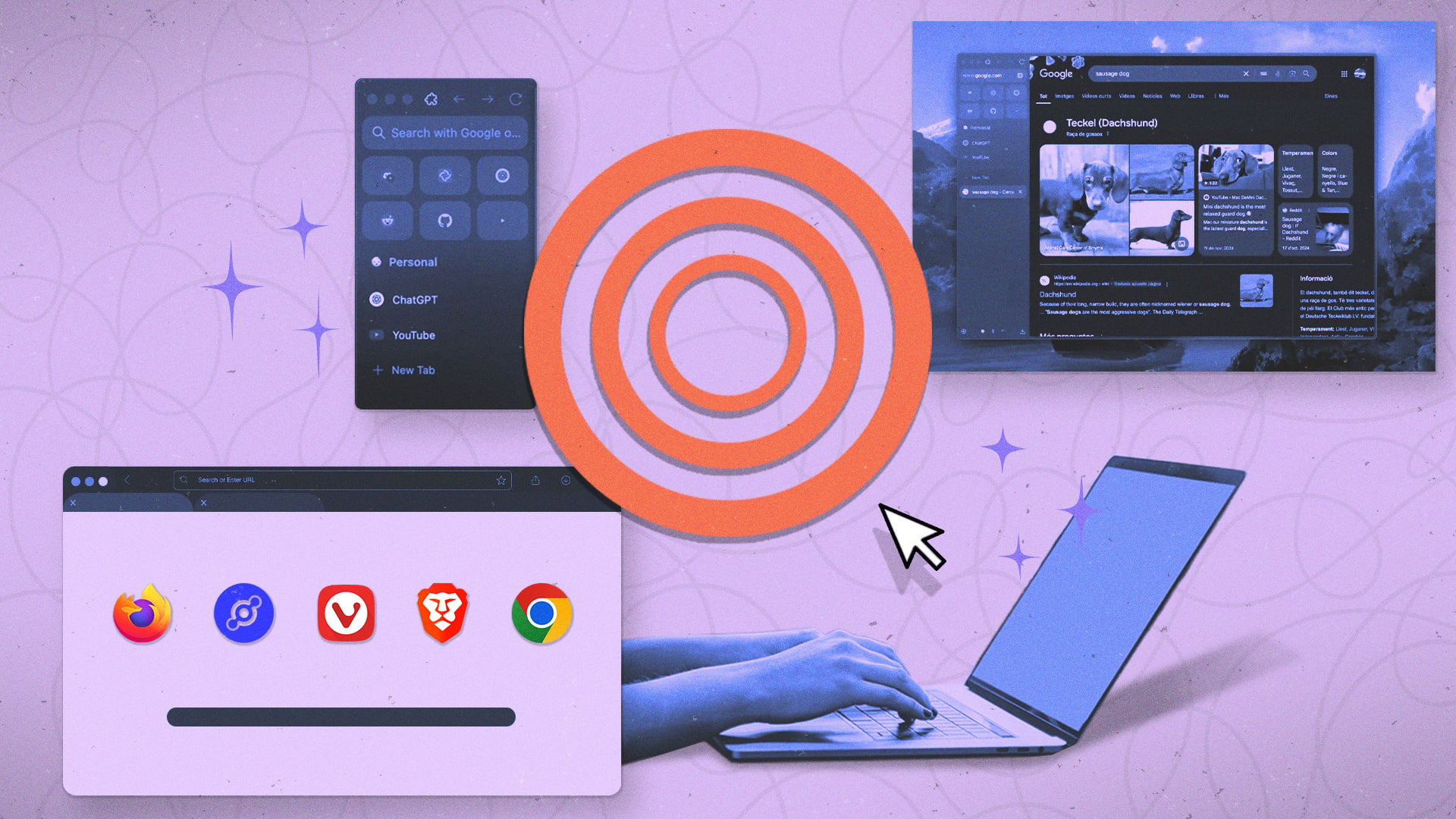
This is sad news for the Arc faithful. If you’re one of them, or if you’re looking for an alternative to the regular browsers like Safari and Chrome, all hope is not lost. Export your Arc data, and try out one of these Arc-like alternatives.
The Zen Browser is the best Arc alternative

Credit: Zen Browser
Zen has become the de facto option for all users looking to find something that looks and works like Arc. In some ways, it’s better than Arc; in some ways it falls short.
It has the look and feel down to a T. Zen has the same vertical sidebar, with customizable workspaces and pinned tabs up top. And like Arc, Zen has mods that let you customize the browser’s user interface (plus a ton of community-developed mods ready to go). Zen is also free to use, and it’s open-source. Cherry on top? There are no AI features. None. No upsells, no VPN, no schemes, nothing. It’s built on Firefox, and it has a privacy-first approach.
I’ve been using Zen for months, and I’m quite happy with it. The only downside I can see is the Firefox web engine; while Gecko has come a long way, it can still sometimes fall short of Chromium, mostly because Google Chrome is such a popular browser, most websites are designed to run best on it. When I run into an issue with a website, I tend to switch to Chrome for a while. Zen can also sometimes be a memory hog, but once I got better at tab hygiene (automatically closing older tabs and being vigilant about workspace management), the experience got quite a bit better.
And yes, there is extension support: Anything that runs on Firefox will run here too. Firefox has most of the important extensions covered, and it’s the only major browser that still supports the full-scale uBlock Origin ad blocker (which works like a treat in Zen, too).
Vivaldi takes a maximalist approach to web browsing

Credit: Vivaldi
Alternatively, you can go to the opposite end of the spectrum and try out a maximalist browsing approac:. For a while, Microsoft Edge was the cleaner, faster, better version of Chrome, but now, that title goes to Vivaldi. Under the hood, Vivaldi uses the same Chromium engine that powers Google Chrome, so all your websites will work as expected, and all the extensions will be familiar. But Vivaldi is an extremely customizable browser, and for a certain kind of user, it might be the perfect fit.
If you want to keep to a Chromium-based browser, but one that offers all the customization features you can think of, go for Vivaldi. At its core is a powerful, fast, and reliable browser that you can slowly remake to be your own.
Other alternatives to consider
-
Brave: If you want a simple browser that’s already set up for privacy and speed, go for the Brave browser. It doesn’t have all the customization options under the sun, but it does an impressive job of blocking pop-ups and trackers. All the AI features can be disabled, and you can use your Chrome extensions in peace.
-
Helium: Think of it as a minimalist version of Google Chrome. Same Chromium engine, but no Google tracker, no popups, ads, or extra features.
-
Dia: If you really want to use something that’s built by the same team as Arc, and don’t mind the AI features, you can try the Dia browser as well. It’s not an exact replacement, but Dia now has an option to use a vertical sidebar and pinned apps.
-
Quiche: If you were using Arc on iPhone or iPad, try using the Quiche browser, which is our favorite browser for the iPhone. It’s a tastefully designed independent browser, with a fully customizable layout.
