


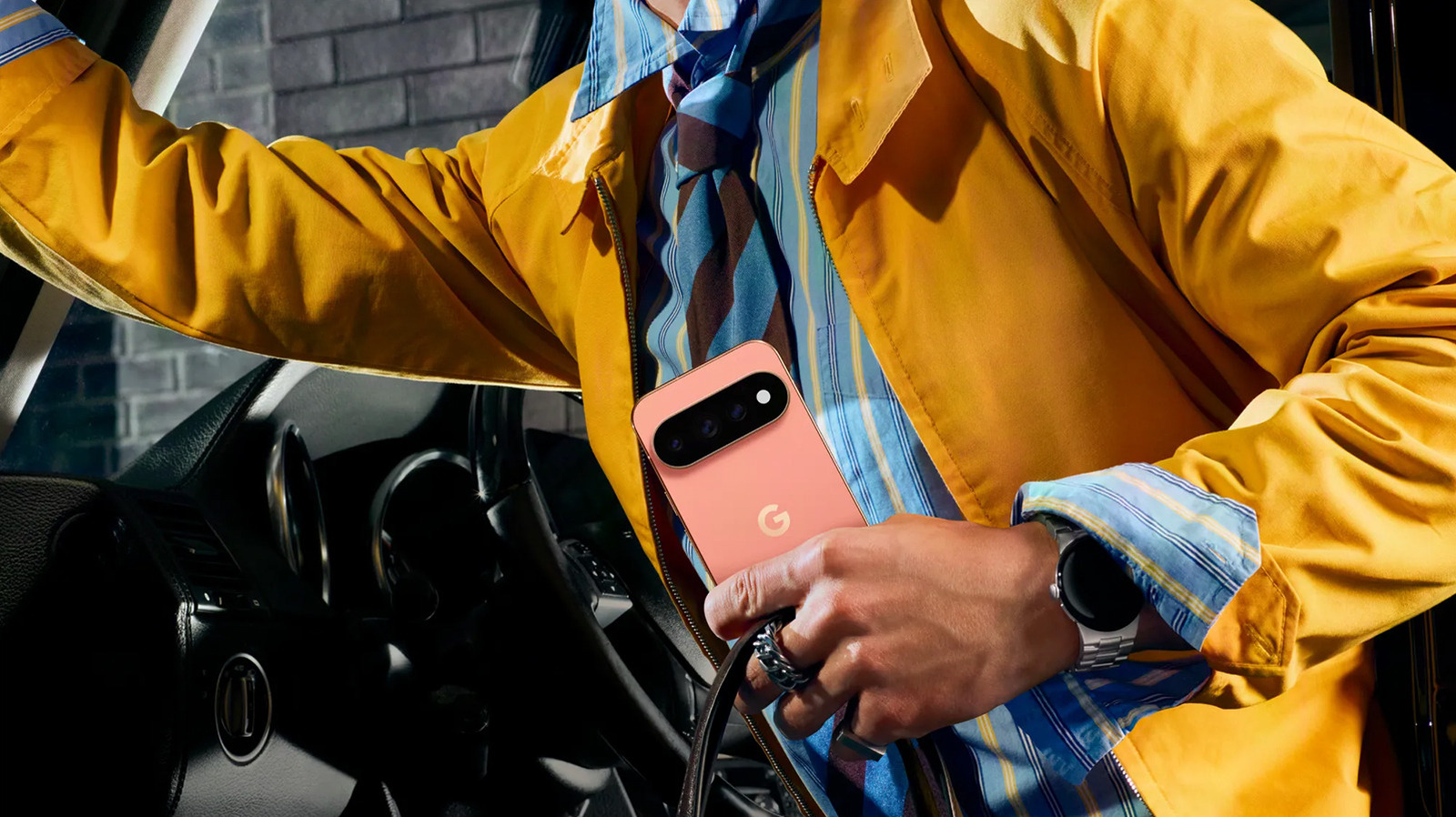
One of the neatest additions to the Google Pixel 11 Pro, 11 Pro XL, and 11 Pro Fold is HiLight. It’s a simple feature that shows a subtle glow on a circular LED within the camera lens bar on the back. This would initially happen only when you have an incoming call or trigger Gemini via a “Hey Google” command while the phone is face down. In early October, Google announced an update for beta users that allowed you to color-code incoming messages from favorite contacts, so mom can be purple, dad can be green, and so on. With the November Pixel Drop, Google officially added support for text messages alongside calls and Google Messages. But the latest exciting update adds support for WhatsApp, too.
This expands the capabilities of HiLight, making it far more functional and purposeful than it was at launch. The concept is meant to help reduce distractions, so you know if a call is urgent and should be tended to immediately, or if it’s something that can wait. Maybe you excuse yourself to pick up a call because it’s the babysitter, but ignore sis and call her back later if you know she’s just looking to chat. Adding WhatsApp to the mix is a welcome inclusion for fans of the instant messaging service.
How WhatsApp integration works
Stockcam/Getty Images
Google’s HiLight already worked with WhatsApp calls, lighting up when someone was calling you by voice or video through the service. But now, the support has been extended to text-based messages through WhatsApp as well. In the HiLight settings page, you can label certain people as favorites and assign specific HiLight colors to them. To do so, go to Settings > System > HiLight, and turn it on. Then go to a contact labeled as a favorite (or add them as a favorite), select their name, tap the star in the top-right corner, choose Set HiLight, and then assign a color. Presumably, if the contact uses the same phone number on WhatsApp, their WhatsApp message will illuminate in the same assigned color as a regular text message or call.
Despite initial scepticism about HiLight, WhatsApp is the most popular messaging app in the world, and unlocking HiLight for its service is a smart move. The hope is that Google will eventually add support for other popular messaging apps, like Signal, Telegram, Snapchat, and Instagram. But there are only so many distinct colors to choose from and so many ways to determine not only who is sending you a message but also through which service. Nonetheless, WhatsApp is the right one to go with and will add more value to the feature.
HiLight isn’t entirely unique
It’s worth noting that the latest Pixel phones aren’t the only ones to sport a feature like HiLight. The upcoming Clicks Communicator from the company that makes Clicks keyboard cases for phones has a Signal LED you can customize to show different types of notifications. Many Nothing Phones have a Glyph light on the back that you can customize to illuminate in different colors to identify who is calling or texting.
Samsung Galaxy phones used to have a notification LED above the screen back when phone screens didn’t stretch from one edge to the other. Interestingly, Samsung has replaced it with a feature known as Edge Lighting that you can enable via software. Go to Settings > Notifications > Notification pop-up style and turn on Show brief pop-ups even while the screen is off. Select Edge lighting style or Add lighting effects, choose the effect, select a color, and you’re off to the races. In every case, the point of this feature is to help reduce distractions and encourage you to live in the moment.
