


José Adorno/BGR
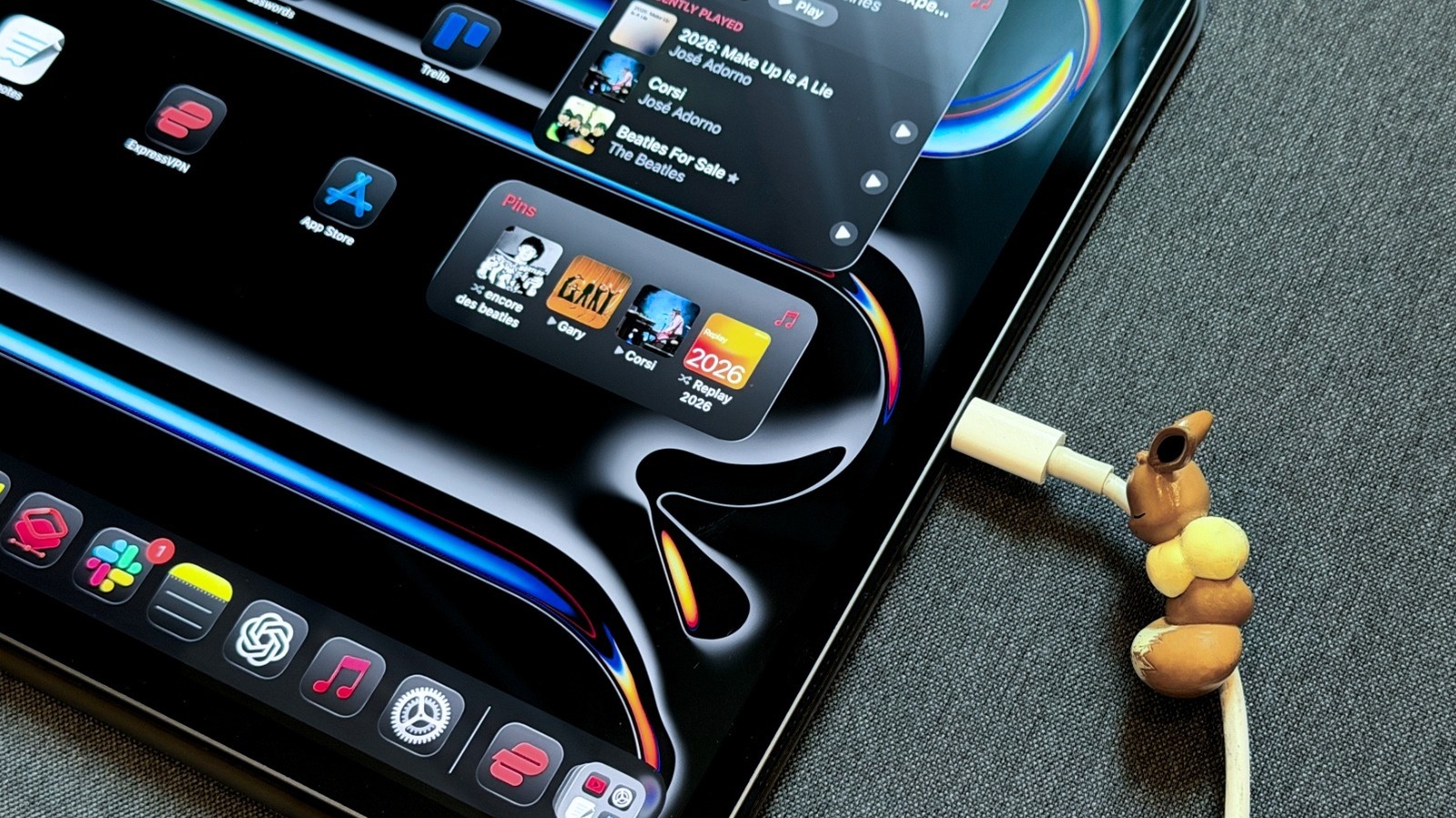
Charging your iPad overnight is safe, but there are a few things you should know if you want to optimize charging. Every battery ages, but there are a lot of misconceptions online about how lithium-ion batteries age. This is because a few decades ago, products came with alerts saying you should use them until they reach a minimal battery level and then recharge them completely. Since electronics are usually expensive, and we don’t want to mess up a new product, it makes sense why, to this day, some people still treat batteries with extra care. While there are new battery technologies being developed, like the ones used by some Android smartphone makers to deliver huge battery cells to their devices, lithium-ion is still the industry standard, and it’s what’s available on your iPad.
While charging your iPad overnight is perfectly safe, there are a few things you should know about your battery’s lifespan, how to prolong it, and even how to protect your device. We’ve got advice on using certified power bricks and cables, keeping your iPad up to date, and avoiding overheating it by not putting it under a pillow or charging it under extreme conditions.
Misconceptions about charging overnight, Bluetooth and Wi-Fi functions, and more
José Adorno/BGR
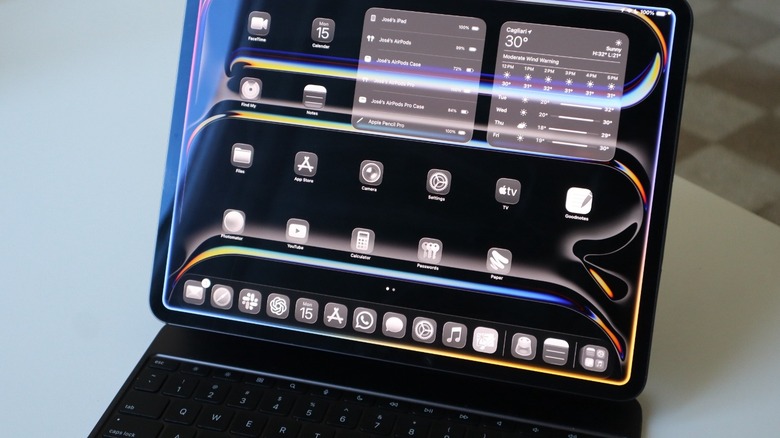
In a support article, Apple explains that for most customers, an iPad battery should last for the whole day. Charging it overnight (and every night) is not an issue, even if you still have some power left at the end of the day. Not only does your iPad stop charging after it’s fully charged, but it slowly receives less power as it gets closer to 100%. Still, Apple says that whenever possible, you should unplug your iPad after it finishes charging.
The tech giant explains that the temperature is one of the main issues of battery degradation. The iPad is designed to perform well in ambient temperatures around 62 degrees Fahrenheit to 72 degrees Fahrenheit. Apple warns that you should avoid using your tablet in ambient temperatures higher than 95 degrees Fahrenheit, as this can reduce battery lifespan. Your iPad intelligently stops charging when it reaches 80% if the battery temperature is higher than it usually is.
One thing that you might think can drain battery life is leaving Wi-Fi and Bluetooth on. However, Apple clarifies that these technologies are designed to barely draw power from the battery. In fact, the company encourages you to keep Wi-Fi and Bluetooth turned on so they experience their iPad to the fullest. That said, as long as you have an ideal temperature, you don’t need to worry about your iPad’s battery degrading faster.
Here’s what you need to know about your iPad’s battery health
José Adorno/BGR
Apple says that iPads are designed to keep up to 80% of their original capacity at 1,000 complete charge cycles. After that, your iPad will continue to work, but Apple might eventually let you know that it might need a service repair. Apps can slow down to open, you can experience lower frame rates, reduced wireless-data speeds, lower speaker volume, and so on.
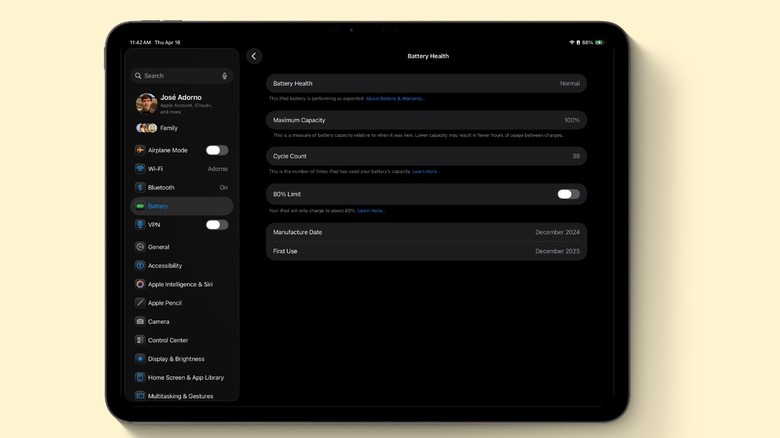
Apple makes it easier to check your iPad’s battery health in the tablet’s Settings app. You just need to find the battery section, and your device will show its Battery Health, Maximum Capacity, Cycle Count, when the battery was manufactured, and when it was first used.
With the latest iPad models, like iPad Pro (M4), iPad Air (M2), iPad mini (A17 Pro), or iPad (A16) or later, Apple added a feature that lets you limit the amount of charge to 80%. By doing that, Apple says you can prolong the battery lifespan of your tablet, even though it means you’ll have 20% less battery to use. While the iPad has a few technologies to improve battery life, it doesn’t have the same battery-saving settings as the iPhone, or the Mac. For example, a new feature in macOS 26.4 gives you more granular control of how much users want to charge the Mac.
