


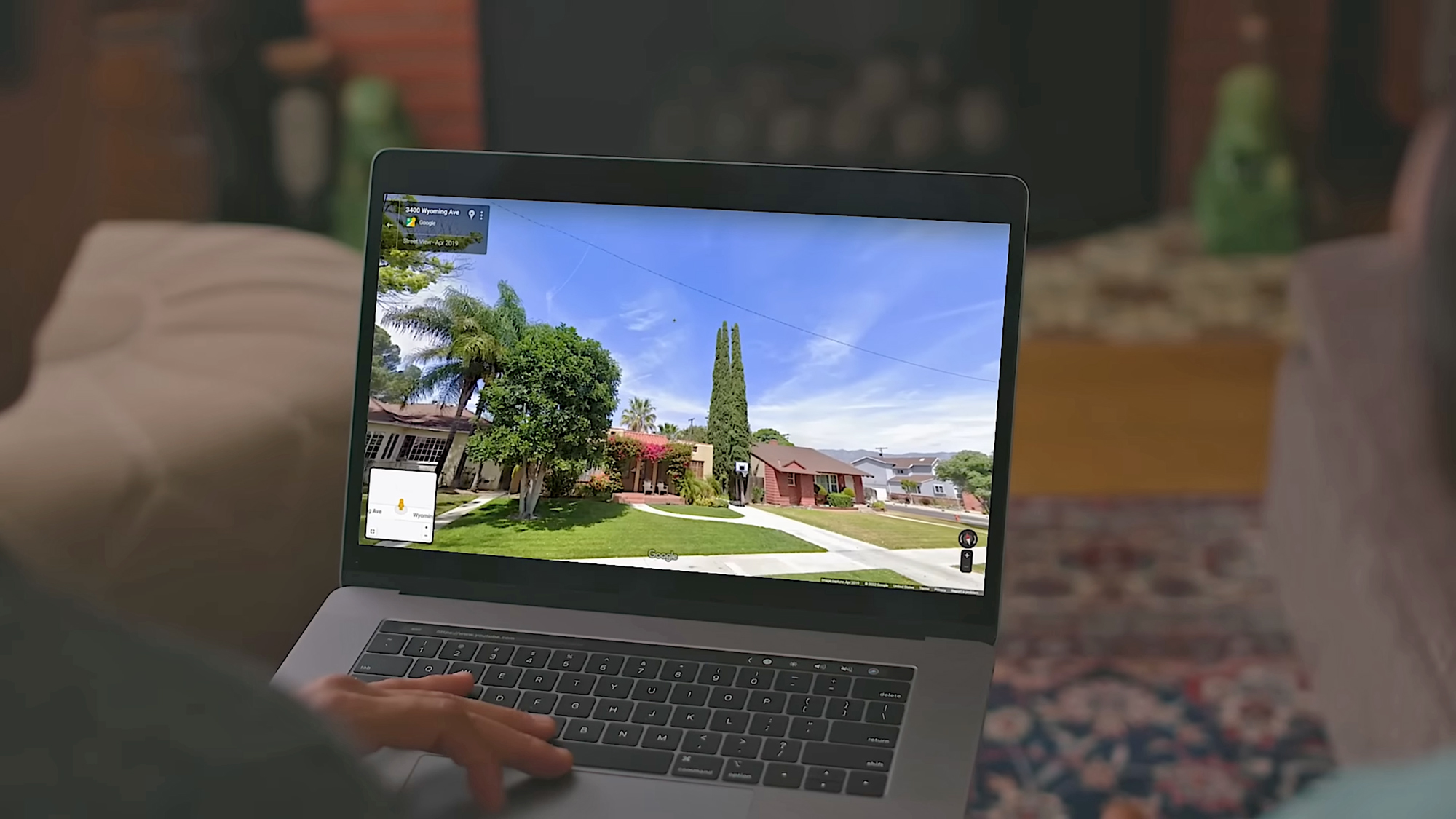
See what a street used to look like.
Image: Google
Get the Popular Science daily newsletter💡
Breakthroughs, discoveries, and DIY tips sent six days a week.
By signing up, you confirm you are 16+, will receive newsletters and promotional content and agree to our Terms of Use and acknowledge the data practices in our Privacy Policy. You may unsubscribe at any time.
Google Maps has been helping us get from A to B since 2005. In that time, it’s amassed a huge amount of data about the world—from business opening times to national boundaries. And alongside the map itself, there’s satellite imagery and imagery at ground level, courtesy of Street View.
You may well have used Street View before, dropping a little pegman onto a road in Google Maps to see what it looks like if you’re actually stood on the sidewalk. What you might not be aware of is that you can go back in time in Street View—back to 2007 in the first places that were mapped with this technology.
It means you can check out your neighborhood (or someone else’s neighborhood) as far back as twenty years ago. You can see what’s changed and what hasn’t. It works for the most iconic streets and locations in the world too, from Times Square to the Arc de Triomphe. Here’s how to use the feature.
How to find Street View time travel
The feature is a little easier to use through Google Maps on the web, not least because there’s more screen real estate to work with. Scroll and pan to the part of the world that you want to take a look at, or use the search box up in the top left corner to jump to somewhere specific.
You can find the little Street View pegman icon down in the bottom left corner (yes, pegman is his official name). Click and drag the pegman over to the map, and you’ll see all the roads, paths, lanes, and freeways that support Street View highlighted in blue. Drop the pegman on the spot you want to take a look at.
You’ll go straight into the immersive Street View mode, with ground-level imagery. Use the mouse or the arrow keys on your keyboard to take a look around. You can also start moving up and down the street using the up and down arrow keys, or by clicking the arrow icons overlaid on the ground.
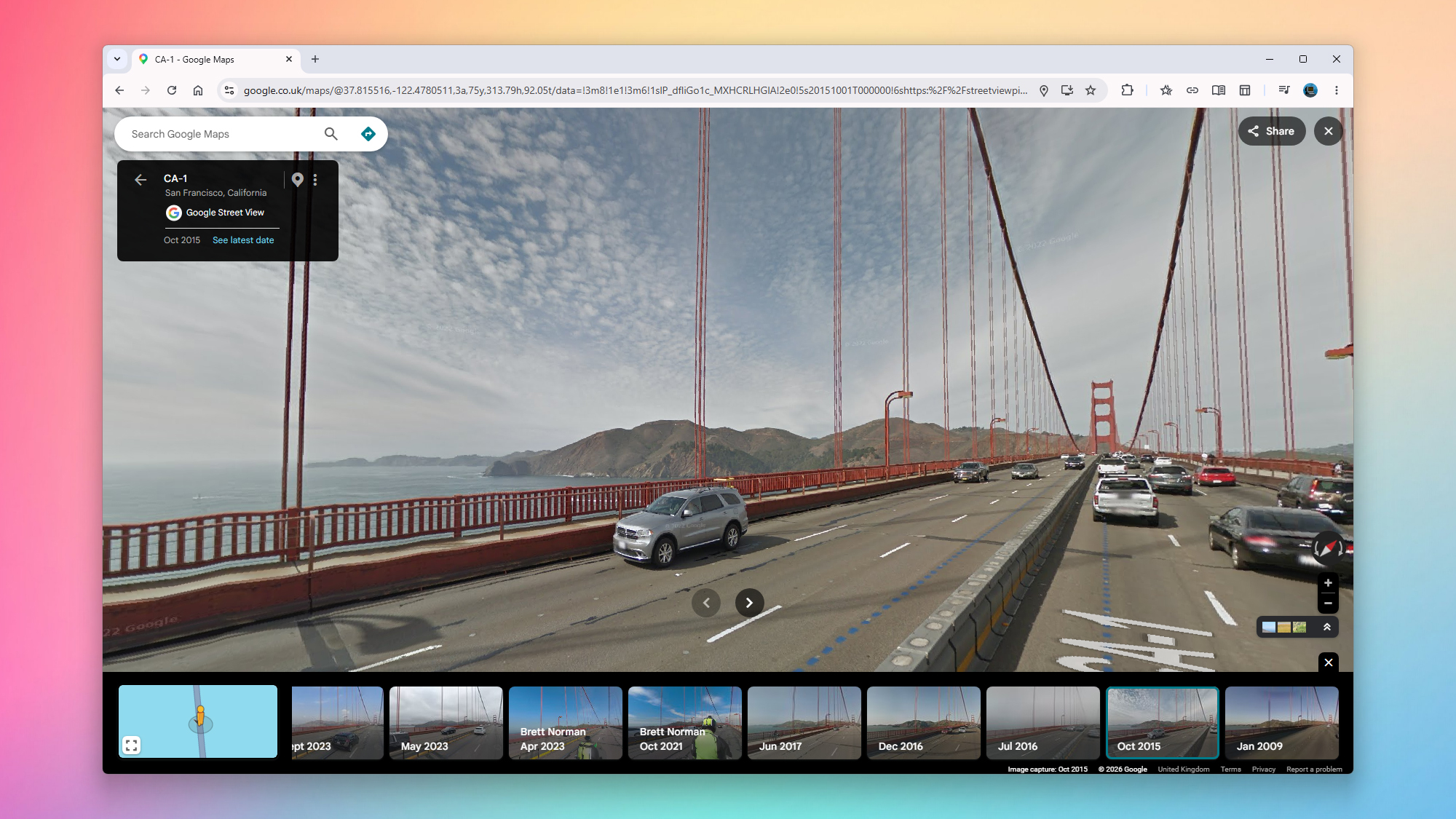
Here’s the time travel bit: Click the See more dates link up in the top left corner, and along the bottom of the screen you’ll see thumbnails of older imagery, together with dates—scroll to the right to see the oldest available pictures.
Bear in mind that the total number of different date options, and the years they cover, are going to vary depending on how long Google’s Street View cars have been covering a particular area, and how regularly they’ve been back. You’ll find there’s quite a substantial difference in how far you can go back, depending on where you are in the world.
Exploring neighborhoods of the past
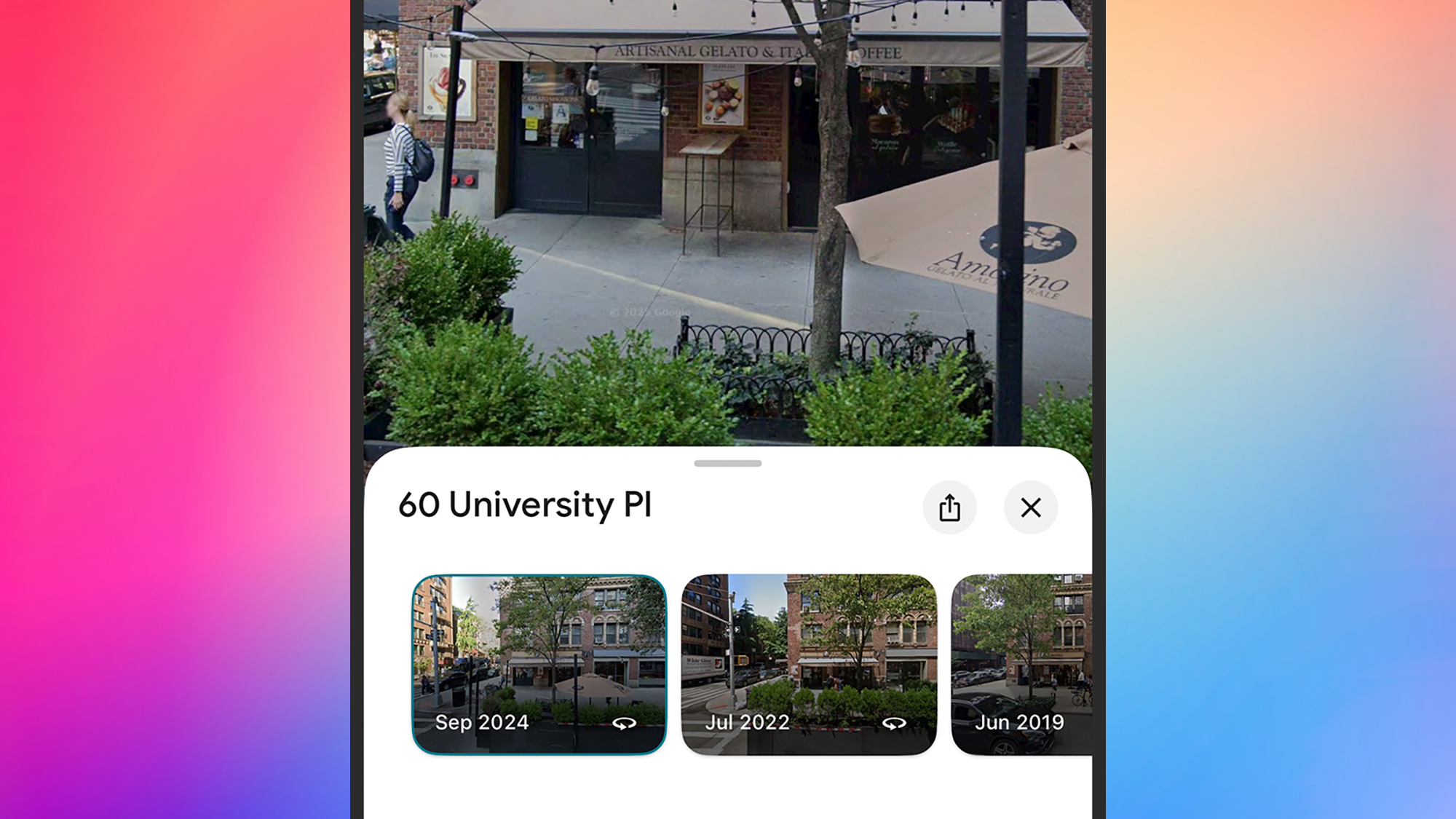
As soon as you select one of the image thumbnails representing an earlier year, you’ll be taken back in time in Street View. You can still look around and explore as before—the views you see will be from the same year you’ve selected, until you choose a different month and date from the carousel at the bottom.
It lets you check out how businesses and houses have changed over time, and in some locations you’ll even be able to see roads or buildings being built (or being leveled) as the years go by. For busy areas, you get an interesting peek into the changing fashions for both people and vehicles.
It’s possible to check out famous landmarks in this way too, though if they’re iconic then they don’t tend to be modified much over time. When you’re ready to return to the present day, click the See latest date link in the top left corner.
You can time travel through Street View through the Google Maps apps for Android and iOS as well. To get to Street View, long-press on a road on the map, then tap the Street View thumbnail that pops up in the lower left corner. You can then tap the date label (top left) to find other dates.
It’s also worth noting that historical imagery is available in Google Earth too, for both Street View images and satellite maps. Either drag the pegman in from the bottom right corner and then choose See more dates, or click the historical imagery button in the top toolbar (it looks like a globe with an arrow around it).

2025 PopSci Best of What’s New
The 50 most important innovations of the year
