


Lee Charlie/Shutterstock
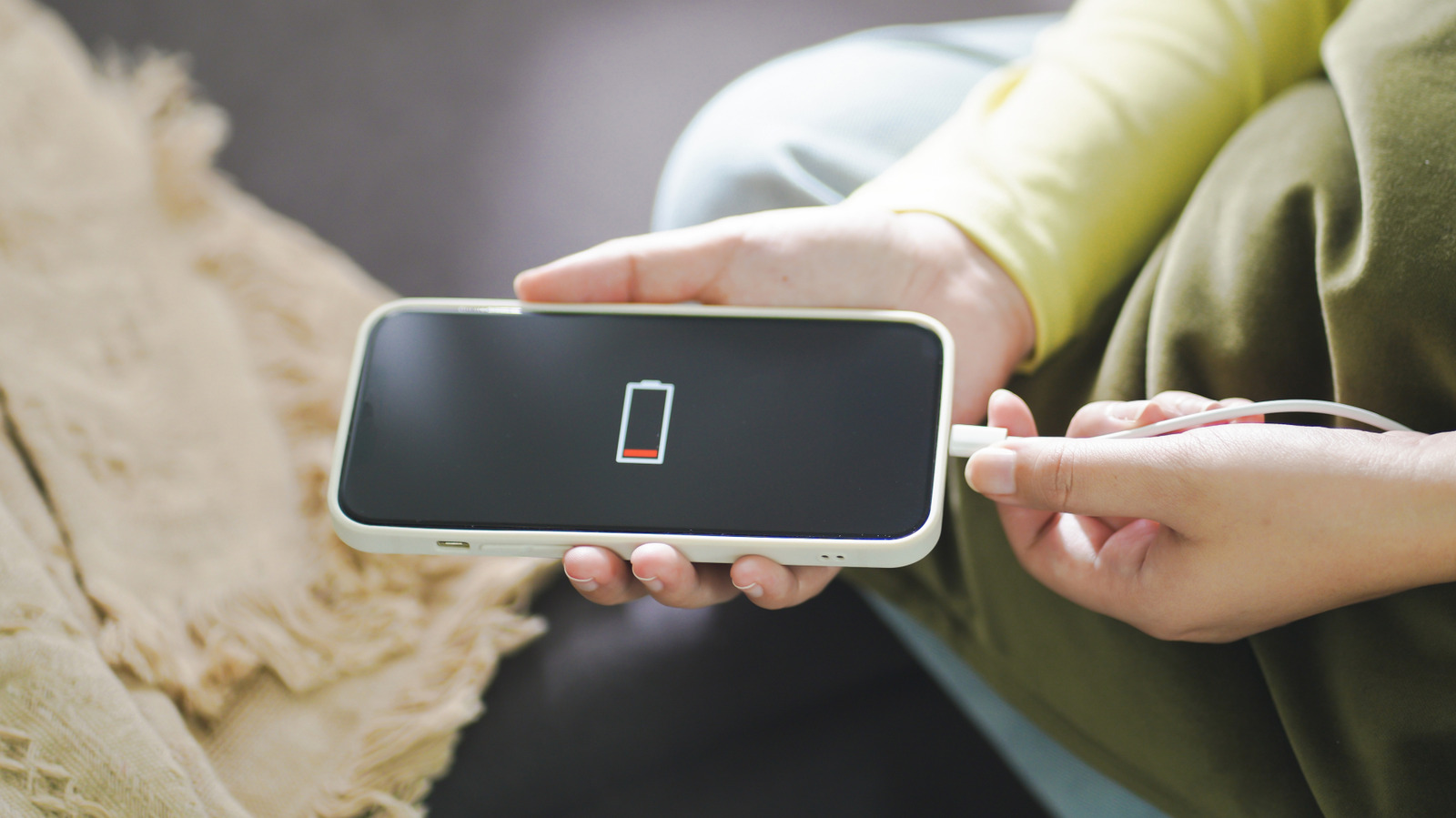
An Android smartphone is a handy tool, until its battery dies and you’re left troubleshooting what went wrong. Left dead for too long, the battery in your Android phone can be brought back to life, but doing so depends on its condition. Smartphones use lithium-ion batteries that can be recharged, but only a certain number of times — from several hundred to 1,000 depending on the device — before they wear down. And when these lithium-ion batteries are dead for too long without being charged, it can lead to swelling.
Damage can also be caused if the device is left charging after the cycle is complete or when it is stored in very high or low temperatures. How often and to what percentage you charge a smartphone will impact the wear and tear to the battery, and can make it harder to revive if the battery has been left fully discharged for an extended period of time. On this topic, it’s also important to know the warning signs that your lithium-ion battery could catch fire.
Why lithium-ion batteries might swell
tomeqs/Shutterstock
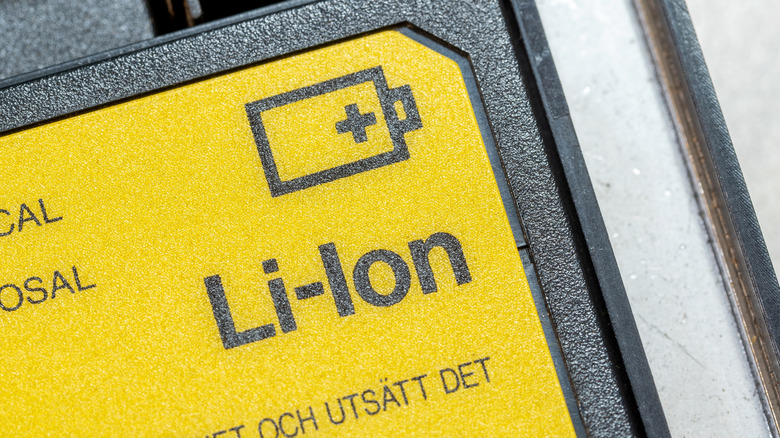
If your phone bites the dust and you need to access stored data, photos, or videos, there are ways to try reviving it briefly or bring it back from the dead altogether. You might also run into this issue when using an older Android phone simply for playing music or taking notes. Fortunately, even if a battery swells, the phone may still be salvageable. A lithium-ion battery is made up of an anode, cathode, separator, electrolyte, and positive and negative current collectors.
This is what makes the battery rechargeable, but the chemical reactions happening within can also lead to gas buildup and visible swelling. This can be caused by overcharging, voltage issues, and extreme temperatures. To avoid this, remove your phone from the charger after it reaches 100% and keep it stored between 32° and 95° Fahrenheit.
If your Android phone won’t charge at all, the battery may be completely dead or the USB cable or port may be the culprit. If the battery is swelling, recycling is the way to go. But when there is enough juice, and swelling is not an issue, you can check battery health within the device settings to get an idea of why its usability might be declining.
Preserving your phone’s battery health
Dusan Stankovic/Getty Images
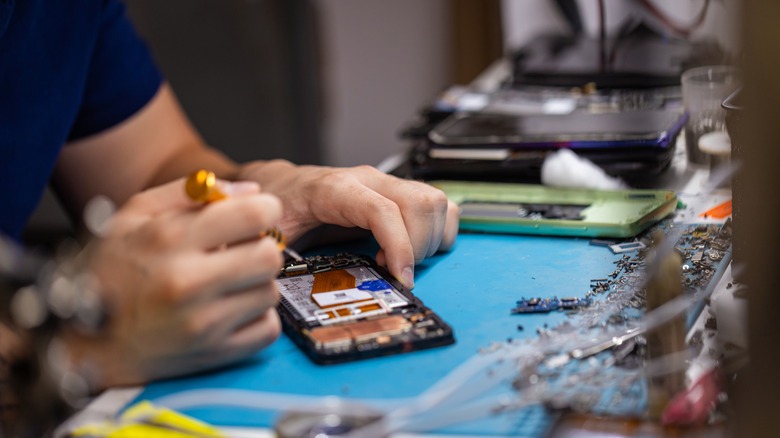
If your Android phone will remain unused for a long time, you should charge it every few months as a device left drained for extended periods may end up with a weakened battery. That said, it’s also important to know what happens to your Android phone when you leave it on all the time, too. Ultimately, if all else fails, reviving a dead Android device may require taking it to a service center for professional help.
Another option to keep in mind is replacing the old battery with a new one to avoid buying a completely new device. To help preserve your phone’s battery health, shut it down periodically. Unplug your Android phone from the charger at around an 80% charge to reduce battery stress and avoid overcharging. Try not to let it completely die either, and plug in the charger once the battery reaches 20%.
