


Tetiana Cherkashyna/Shutterstock
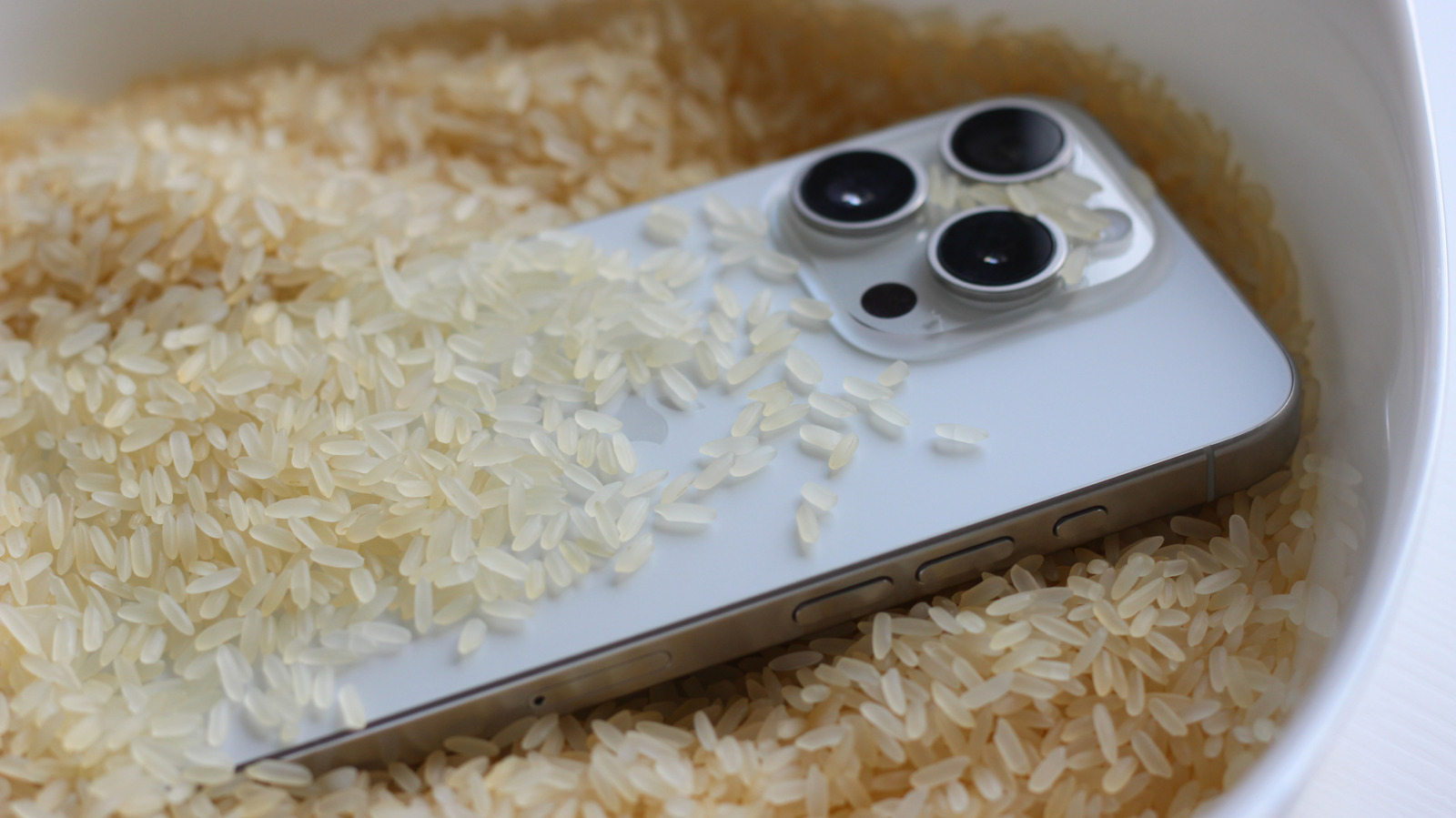
You’re standing by the water when you suddenly drop your phone. Plop. After fishing it out, you’ll rush home and dump it in a bowl of rice. You’ve always heard rice will siphon off moisture, drying out the internals and saving it from the doom of a pseudo-watery grave.
Except that’s not going to work. Drying your phone in rice is actually a myth. In fact, if you do submerge your phone in rice, you could cause more damage. Rice dust and small particles can make their way inside and gunk up the components. You should also avoid foreign objects like cotton swabs or Q-tips, and you should not use a hair dryer or compressed air. All of these things can damage your device. Apple even went on record to explain this exact process, noting what to avoid if you get your iPhone wet or see liquid-detection alerts.
If you have a newer phone, you might be okay. Many new phones are waterproof thanks to special coatings and designs. If your phone isn’t waterproof, the first thing you’ll want to do is power it down. Dry off the exterior as much as possible with what you have handy, like a shirt or towel. If possible, take out the SIM card, remove the back housing, and remove the battery. Hold it upright so the connector ports face down, and gently tap the sides to release any excess liquid. After that, leave the phone in a well-ventilated area.
The right way to clean a wet phone is to use alcohol
Jannhuizenga/Getty Images
The best way to remove the water is to use an alcohol-based solution. This will clean the components and prevent corrosion, which is the real silent killer of moisture inside a device. It’s especially concerning when dealing with seawater or chlorinated pool water, but it can also happen with juice and sugary drinks. The liquid alone may not do much damage. It could short-circuit powered elements, but corrosion is the true concern. There are numerous instances of working iPhones being found underwater after nearly a year in a lake or other body of water. One iPhone X was submerged in the ocean for eight hours and came out unscathed.
iFixit experts recommend scrubbing gently with a 90% isopropyl alcohol solution (rubbing alcohol) and a toothbrush. Take the phone apart, remove the battery and submerge the phone’s motherboard in alcohol. Scrub for good measure. Afterward, allow it to dry and check to see if the device survived its watery encounter.
The reason that’s not the first recommended step is that you have to disassemble your phone to access the inside, and that’s not a novice-friendly task, nor is it always possible. But it is the best solution for “displacing” moisture and cleaning potential residues left behind. Saltwater is very corrosive, especially for electronics, so if your phone falls in the ocean or a saltwater pool, you want to get it as clean as possible after, removing not only the moisture but everything else, too.
