


Lukmanazis/Shutterstock
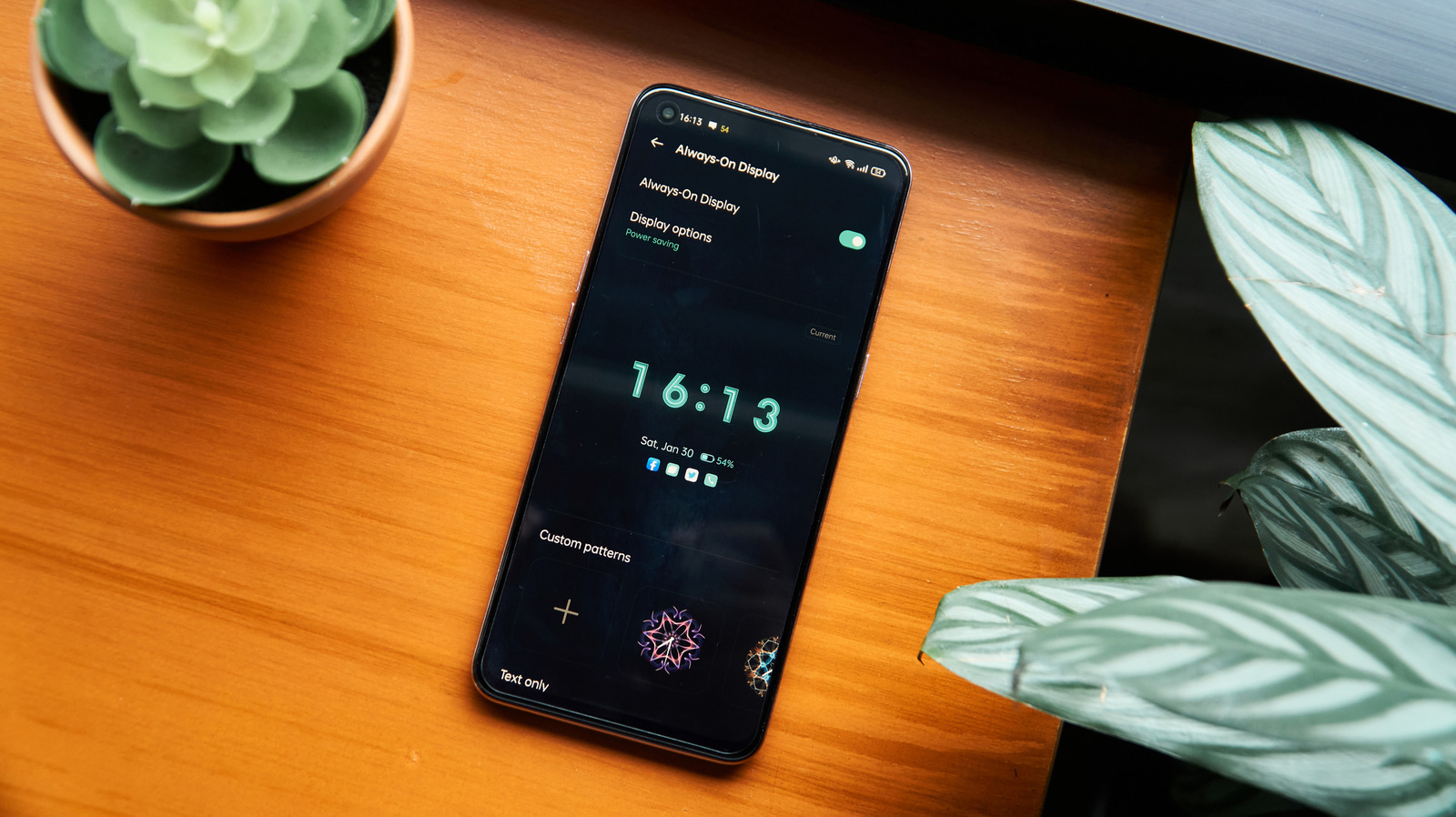
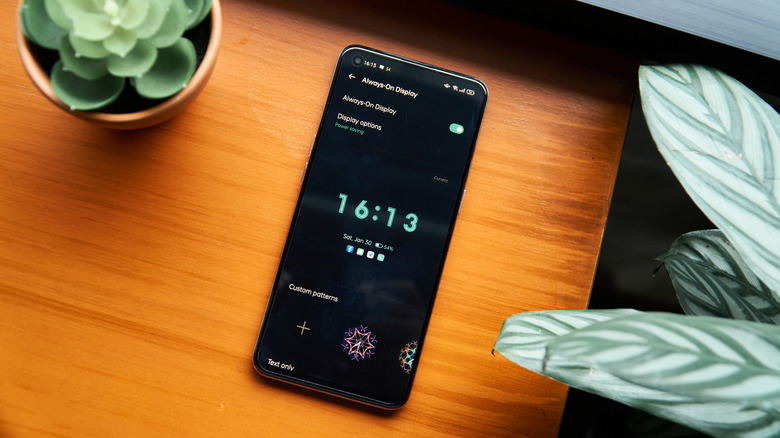
Modern Android phones are packed with features to streamline your experience, one of which is Always-On Display (AOD), introduced in 2016. It displays important information like date, time, notifications, music controls, and widgets on the lockscreen, negating the need to pick up the phone or tap the screen. As the name suggests, the display is always on, although not the entire screen. Naturally, this has an impact on your phone’s battery life, which is why many prefer the Tap-to-Wake functionality. In this mode, the screen is completely off until you tap it once or twice to turn on the display.
Between Always-On Display and Tap-to-Wake, the latter is better for battery life. That’s because, even if only a few pixels remain lit, as is the case with AMOLED displays, Always-On Display still requires power, which drains the battery faster than a completely dark screen. The extent of that drain varies, depending on how Always-On Display is configured, but the battery life almost always takes a hit.
If you care about battery life, AOD may not be the best choice, even if it’s enabled by default. This is usually the case with supported iPhone models. As for Android phones, the feature is disabled by default in most cases.
AOD uses more battery than Tap-to-Wake
Korosi Francois-Zoltan/Shutterstock
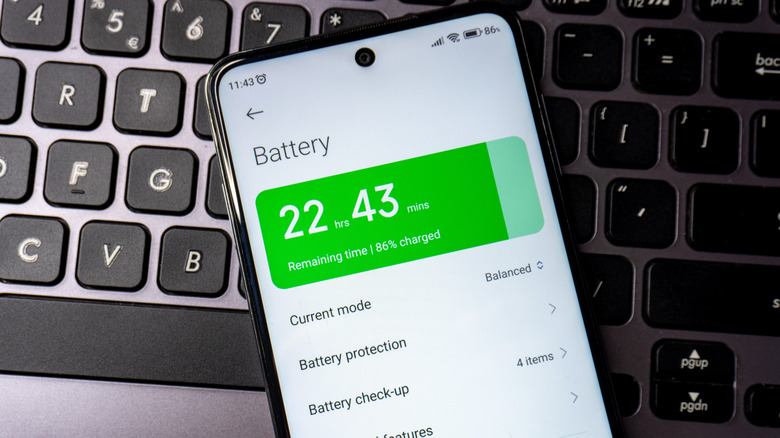
Manufacturers have tried to make Always-On Display more battery-friendly, and the switch to OLED screens helped somewhat. But even if it shows just a few critical functions, the display is still technically active all the time, which drains your phone’s battery.
Benchmarking company DXOMARK tested the effects of Always-On Display on battery life for four phones: iPhone 14 Pro Max, Google Pixel 7 Pro, Galaxy S22 Ultra, and Xiaomi 12S Ultra, and the results were eye-opening. With AOD turned off, the battery lasted, on average, three to four times longer than with the feature enabled. The effects were more pronounced on Xiaomi 12S Ultra, where battery life dropped from 495 hours to 103 hours. Google Pixel 7 Pro performed the best, with the battery life dropping from 367 hours to 139 hours. With AOD on Samsung Galaxy S22 Ultra, battery life dropped from 417 hours to 136 hours. The test also highlighted something interesting: phones with better battery life tend to perform worse when Always-On Display is enabled.
So, irrespective of the Android phone you are using or the optimizations integrated by the manufacturer, Always-On Display will cause faster battery drain. That’s why disabling AOD helps extend your Android phone’s battery life. Tap-to-Wake, on the other hand, is far more battery-friendly, as the screen turns on only when you physically interact with the phone. So, if your phone is struggling to get through the entire day on a single charge, switching from AOD to Tap-to-Wake can be a smart choice.
Always-On Display makes sense in a few cases
Colin Hui/Shutterstock
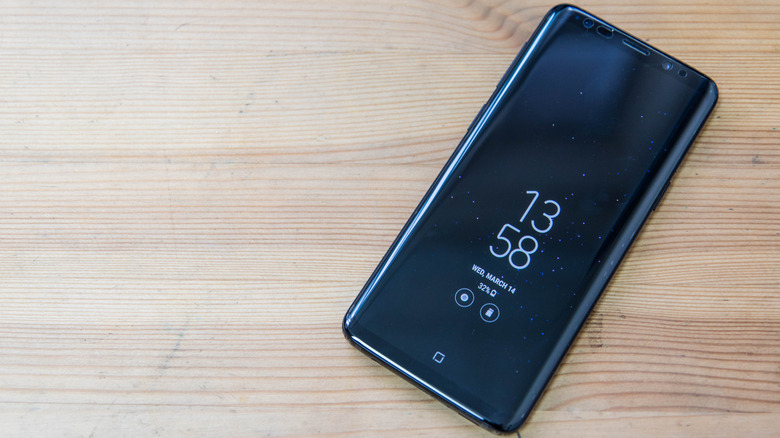
All that said, there are times when battery life is not really a concern. And in some of these cases, Always-On Display may improve the Android experience. For instance, if your phone stays plugged in at your workstation, you can quickly check the time, glance at the notifications, see schedules and alarms, or even view the music track currently playing without even lifting a finger. The only significant drawback to AOD is the reduced charge life, and as soon as that is eliminated or minimized to a large extent by plugging in, the feature starts making a lot more sense, and Tap-to-Wake may suddenly feel inconvenient. Remember, though, that keeping your device charged to 100% all the time can be harmful to your battery.
If you find AOD helpful, you can minimize its effects on battery life by reducing the number of items displayed on the lockscreen. Also, some Android phones allow you to set an Always-On Display schedule. If that’s an option for you, you can set AOD to turn on when you need the feature and keep it disabled the rest of the time.
In the end, it’s important to realize that Always-On Display does use more battery than Tap-to-Wake, but it’s also more convenient at times. For the average Android user, someone who values battery life, Tap-to-Wake is the better choice. And if you prioritize convenience over battery, AOD is always an option.
