


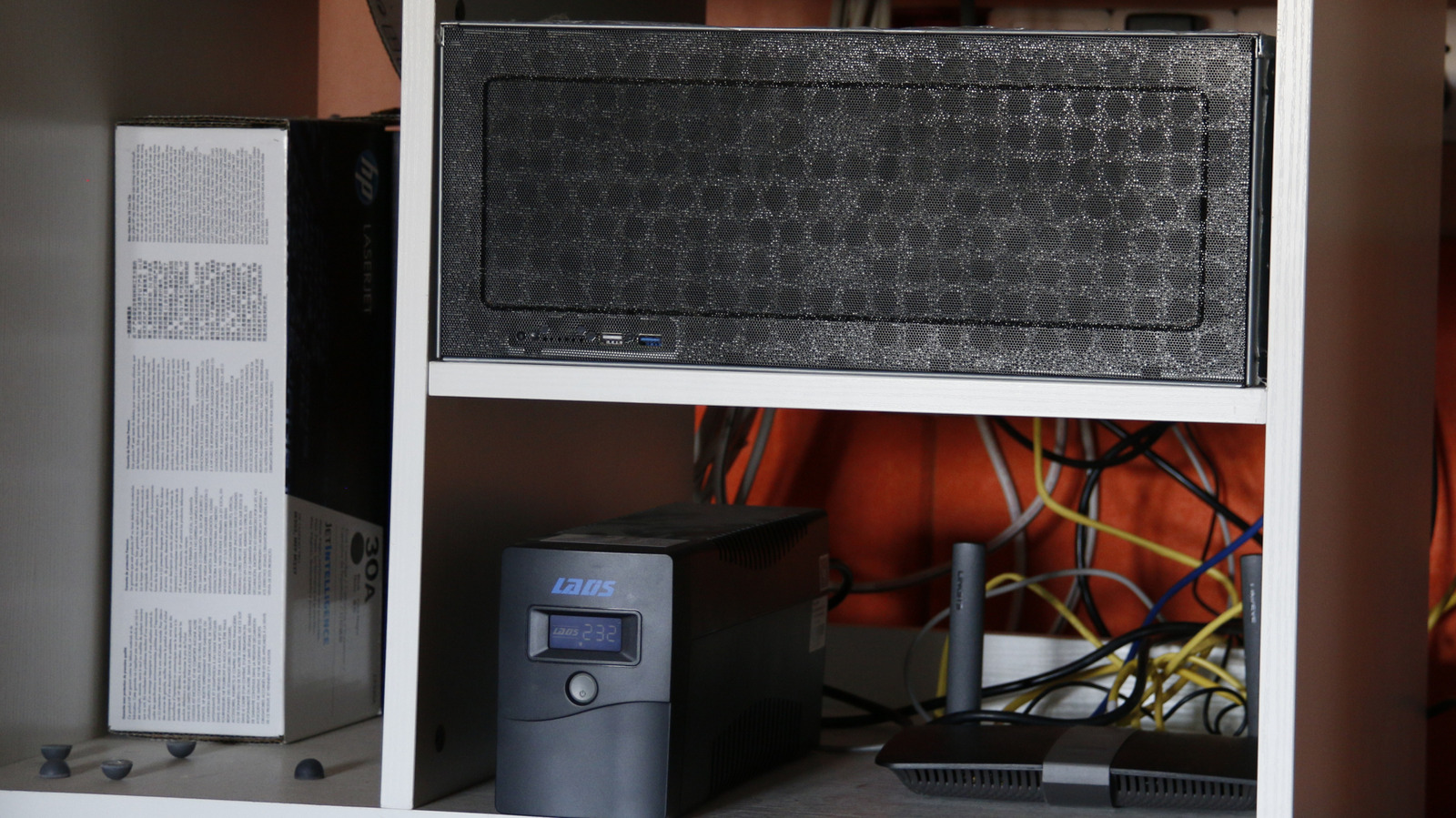
Your home server is always going to be in need of upgrades. Okay, maybe not “need,” but it’s always nice to have wants in life. However, some often recommended upgrades just aren’t needed by the regular home server user. Specialty RAM or souped-up machines aren’t always the necessary way through to hosting a really useful set of apps yourself. Most programs don’t need top-of-the-line power, so keep that in mind when you’re looking to upgrade.
That said, there are a few upgrades you should absolutely look into. As we take a harder look at the upgrades you should be considering, we’ll go through power, networking, and learning something new. Major companies and big content creators have begun to promote self-hosting in a bid to get around the ever-rising need to subscribe to something or being stuck with poor hardware. Revolut, a bank, has shifted its AI operations off of cloud providers, which was costing a lot. Rather than pay monthly, it put the cash up front and bought the hardware instead.
Gamers Nexus has started a series to cover DIY methods of owning your tech again, and Will Smith, formerly of Tested (both before and after “Mythbusters” Adam Savage joined), has also launched a podcast to cover taking back control of your tech. There’s never been a better time to look for necessary upgrades, ones that might actually save your data or expand your capabilities.
Not needed: An over-spec’d PC
Stas Malyarevsky/Shutterstock
If you’re looking to upgrade your server, you don’t have to go all in on a ridiculous system. You might already have an older machine, like a laptop raring to go, that’ll give you whatever boost you need. In the homelab space, unless you’re serving tons of users or hosting heavy-duty LLMs to get around rising AI subscription costs, you really don’t need to go big. There are some cases, like when providing Plex or Jellyfin, that you don’t even need a dedicated graphics card to ensure good performance.
A majority of Intel chips since 2011 all come with Intel Quick Sync, for instance. This allows for faster transcoding on apps like Jellyfin, so that video content can be delivered properly to the client device. If you go digging through e-waste bins or look at cheaper mini PCs using older-generation hardware, you might find a suitable upgrade without putting a dent in your wallet. Seriously, have you seen the prices on graphics cards recently? There’s no way we can recommend that you don’t try and look for cheaper options.
Plus, if you’re using containers with software like Docker or Podman, a lot of applications provided this way don’t take up lots of resources. The older hardware, when it comes to delivering the most used applications, like an office suite and photo hosting, or even a reverse proxy for connecting remotely, doesn’t really require all that much to stay stable.
Needed: UPS
AYO Production/Shutterstock
A UPS, or Uninterruptible Power Supply, is a highly recommended upgrade, especially if you’re hosting services like notifications and maps. If your power goes out, it’s unlikely you’ll be serving much to the outer web, but at least your server and its drives haven’t suddenly powered down.
This is where data loss can happen, and having a UPS will keep the lights on just long enough for the power to return — hopefully. Adding a UPS to the mix is incredibly easy, and has gotten much cheaper and safer to run in the home. This could be combined with a failover switch, which will automatically swap over to another network, say, a 5G-powered portable router.
Of course, that’s dramatic; you can surely last a little time without the internet, right? Mainly, though, a UPS will ensure your system remains safe until you can power it down properly. Sudden power loss can totally wreck a system, forcing backups or data recovery in the worst-case scenarios.
Not needed: ECC RAM
abriendomundo/Shutterstock
The need for ECC RAM in your home server should only come if you’re storing incredibly sensitive or valuable documents and files. This kind of RAM, Error-Correcting Code (ECC) memory, will help against data corruption, but as with processors and storage, prices on this have skyrocketed alongside other RAM, as AI data centers cause havoc on supply chains. It can be valuable, but again, only necessary if you’re hosting critical data or have a lot of people using your server.
ECC RAM is often found in servers with critical systems that cannot, at any point, have a piece of hardware fail the software side of things. As such, you’ll find this in industrial-grade servers and similar projects, where every bit matters.
For most users, where the immediate household will likely be the only users, setting up a RAID and snapshots via file systems like ZFS will be more than enough. RAM corruption can always happen, but by utilizing features baked into server operating systems, like Linux or BSD, data can often be easily recovered after corruption without resorting to expensive sticks of RAM to mitigate it.
Needed: Managed switch
Mleane27/Getty Images
Networking is probably one of the scariest elements of the entire homelab thing. Installing packages, containerizing, and the like pale in comparison to trying to figure out what’s wrong with the network. A managed switch helps mitigate the chaos by allowing you to separate your devices on your network into their own “virtual” networks, or VLANs.
It’s all piggybacking off the same core modem and router, but a VLAN Switch will allow you to keep certain parts of your setup separate. This brings an additional level of control to your homelab, with redundancy being increased in the event one part of the network goes down.
Another benefit is that the managed switch can be configured to block all outbound traffic on a network, protecting CCTV cameras from prying eyes if you’ve happened to configure privacy options incorrectly. If you want additional security measures and to no longer have a spiraling unmanaged switch that has everything connected to it, it might be time to look into managed switches.
Needed: More
Once the homelab bug has bitten you, all that can happen from here is additions. Adding to a home server is a great way not only to boost the available pool of computers to deliver various apps, but also an excellent way to learn something new. Building out a cluster with Kubernetes, or diving in to finally figure out how Portainer can manage an entire network of Docker containers will always result in a positive. Almost anything can act as a server now, even that old Android phone that sits in a drawer, gathering dust.
At any other time, we’d probably recommend something like picking up a Raspberry Pi to add some other functionality to your homelab. The Pi 5’s AI Kit, despite just being up to 26 TOPs neural processor, makes for an excellent Frigate NVR CCTV host, with enough juice to power some “AI” detection systems.
This is why it’s a good time to go look for some older machines in the second-hand market, or even look at alternatives to top brands. Prices are high right now, but it’s literally never been a better time to learn how to self-host services and shed yourself of subscriptions.
Methodology
panumas nikhomkhai/Shutterstock
The buying decisions highlighted in this article were made based on reviewing user and outlet suggestions across social media, forums, and from content creators. Options were kept reasonable, considering the AI-related price situations at the moment. Prior experience covering home labs, setting up and managing servers by the author was also taken into consideration.
