


Jakub Zerdzicki/Shutterstock
We may receive a commission on purchases made from links.
Cloud storage is pretty convenient. It gives access to your data from practically anywhere with an internet connection. You can seamlessly scale it according to your needs, and you don’t have to spend the big bucks upfront. However, you are essentially putting your personal data in someone else’s hands, which raises some privacy concerns. Local storage, on the other hand, is with you for as long as it works. Additionally, cloud storage becomes significantly more expensive than local storage in the long run, as you have to continue paying a monthly or annual subscription to store data beyond any free tier, which can also get pricier as time passes.
As a result, local storage makes financial sense, particularly if you have a lot of data to store. High-quality external SSDs are one of the most popular local storage media, as they offer fast data transfer speeds, a compact design, and better durability compared to external hard drives. Manufacturers like SanDisk, Samsung, Lexar, Crucial, Kingston, ADATA, and others offer a wide range of external SSDs that you can consider. However, it’s important to remember to consider key features before picking an external SSD, such as transfer speeds to meet your needs, warranty coverage to handle any manufacturing defects, durability, and seamless platform support.
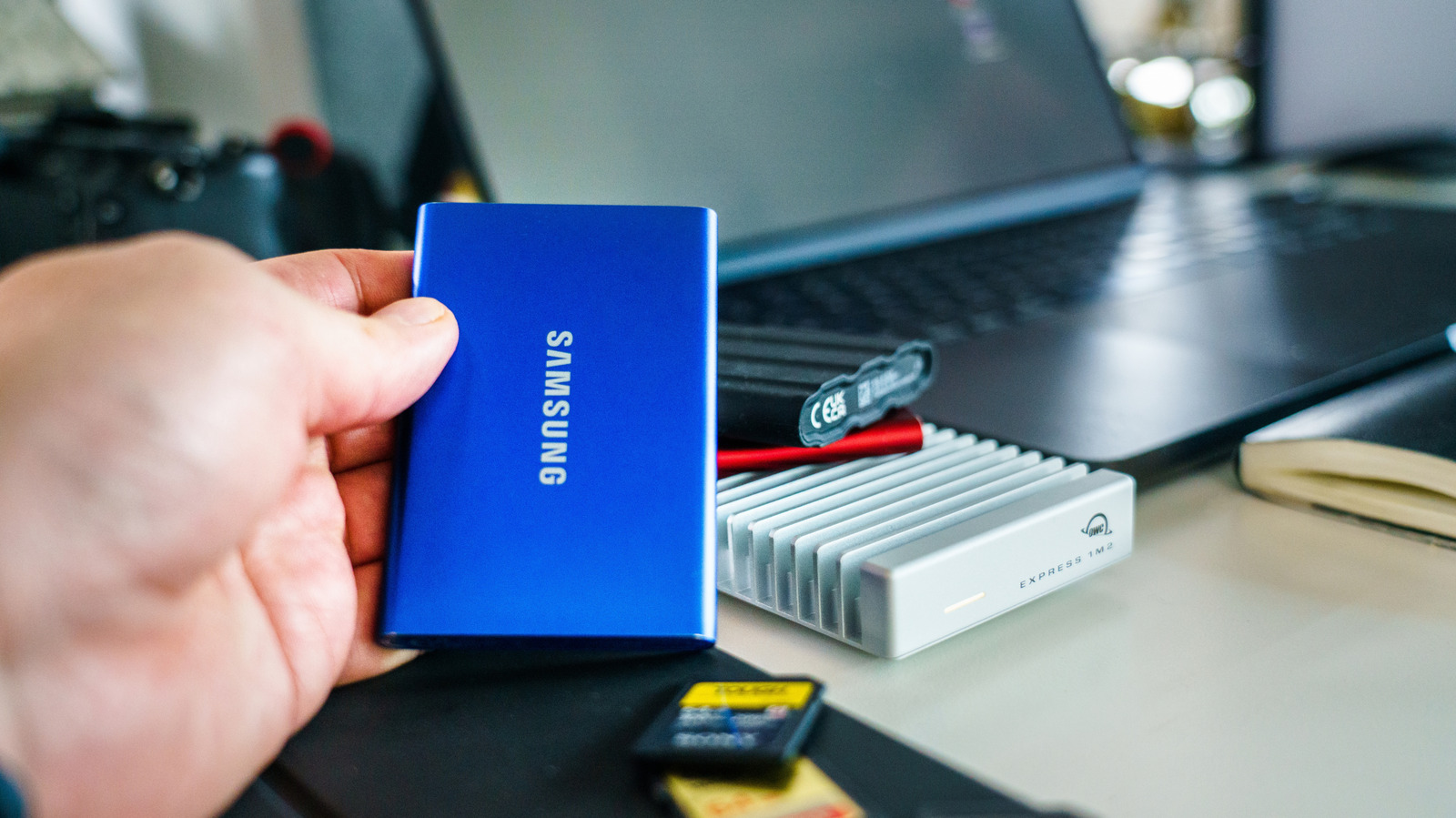
Samsung’s T9 is a widely liked external SSD
With an average buyer rating of 4.6 out of 5 on Amazon and largely positive reviews from experts, Samsung’s T9 is one of the best-rated external SSDs you can buy. It comes in 1 TB, 2 TB, and 4 TB storage capacities, and starts at a list price of $288. You get a rugged build to handle drops, shocks, and the elements, and support for the USB 3.2 Gen 2X2 interface. Samsung claims it can offer read and write speeds of up to 2,000 MBps. Additionally, it has near-universal platform compatibility, allowing you to use it seamlessly with Windows, macOS, Android devices, iPhones, gaming consoles, and more. The company supplies both USB-C to USB-A and USB-C to USB-C cables in the box to get started immediately.
Experts from Apple Insider, Expert Reviews, PC Mag, and PC World appreciate its durability, performance, and compact design. However, they mention it can collect dust, and you’ll need relevant hardware to leverage its full speed. The majority of buyers have a similar opinion of the SSD; however, some note issues with Macs, degraded performance after months of use, and high pricing, which is unfortunately a result of the AI boom.
While the T9 is more than sufficient for most use cases, you can consider Samsung’s P9 or SanDisk’s Extreme Pro Portable SSD if you want even faster speeds. Keep in mind, you’ll need similarly fast USB ports on your machine to leverage these speeds. Both Samsung and SanDisk offer transfer speeds of up to 4,000 MBps. The Samsung P9 is available in 1 TB to 8 TB capacities, and the SanDisk Extreme Pro only comes in 2 TB and 4 TB storage variants.
ADATA SE880 is a solid budget offering
Samsung’s T9 is pretty expensive, particularly after the AI-fueled rise in memory and storage costs, making it out of budget for many people. This is where ADATA’s SE880 comes into play. Despite claiming to offer the same data transfer speeds as the T9, it is selling for $163 for the 1 TB version. It supports the USB 3.2 Gen 2×2 interface, has a compact design, and supports all major platforms. It also comes with everything you need to get started and is backed by a five-year warranty. However, the company doesn’t claim any rugged features.
Amazon buyers have given the product an average rating of 4.5 out of 5, with shoppers liking the fast data transfer speeds, small form factor, and reliability. However, some customers found that their units died after just months of use and the company’s customer support to be lackluster. Experts from PC Mag, PC World, and Tech Radar have positive things to say about the SSD’s long warranty and affordability; however, they noted the lack of hardware encryption and slower speeds during long continuous writes.
