


Allard1/Getty Images
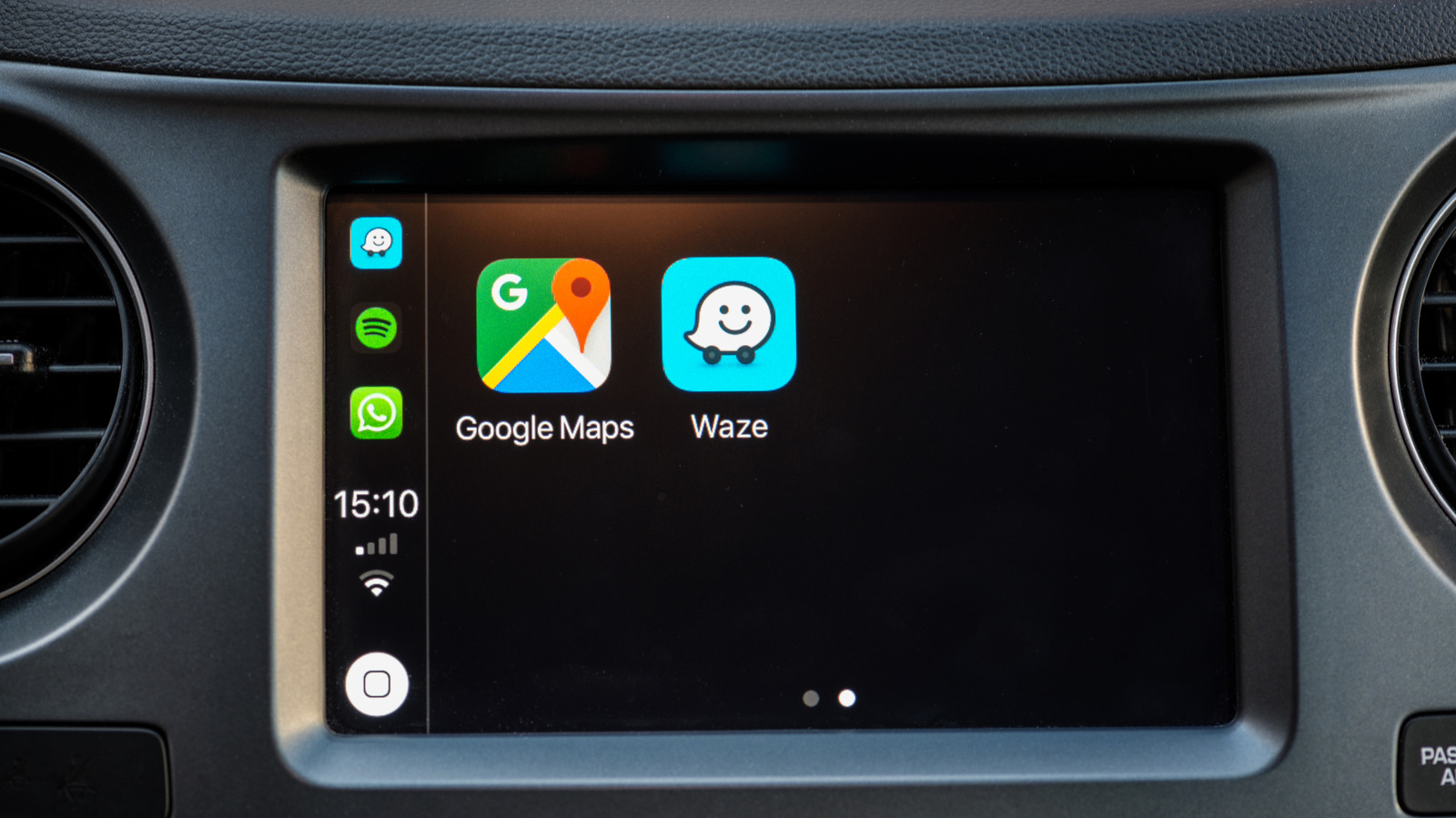
Google is the parent company behind both Waze and Google Maps, but, surprisingly, the latter isn’t necessarily the better navigation app by default just because it carries the name of its owner. Waze is packed with a variety of features that will help you drive to your destination, and some of these capabilities give it a distinct edge over Google Maps.
Waze was launched in 2008 as an app that uses crowdsourced information, allowing drivers to work together to bypass all types of challenges that they may encounter on the road, such as traffic jams and speed traps. It’s one of the popular apps you might not realize are owned by Google, which purchased Waze in 2013, and it has since further developed and grown into the community-driven platform that it is today.
In comparing the two apps, we determined five areas where Waze is better than Google Maps and three where it’s worse. No navigation app is perfect, so it’s still up to you to decide which one you’re going to use for your next trip.
Waze’s user interface is much cleaner
Vladispas/Getty Images
Comparing the user interface when you open Waze and Google Maps, you’ll immediately notice key differences. Google Maps has a wealth of information displayed on the screen, including details of the businesses that are along your route, different types of views, different types of routes, and more. While this could be considered a strength for Google Maps, some might the abundance of information a weak point in certain situations. The problem is that too many choices and menu options can end up becoming a distraction if you want to focus on the route to your destination.
Waze, on the other hand, looks less cluttered with a much simpler map layout defined by fewer elements on the screen, larger icons, visually appealing colors, and a clearer contrast. This cleaner appearance makes it easier to follow Waze’s directions, which is a great way to reduce stress and distractions. And since you tend to require a map in an area you’re unfamiliar with, limiting stress and distractions is important for safety.
Waze’s traffic information is more comprehensive
Aaron Mamiit/BGR
Waze relies on information submitted by drivers to help everyone else using the app. And this isn’t just for traffic jams either, as users can report police presence, vehicular crashes, road hazards and closures, and effects of bad weather. You’ll be able to see all of these reports on the map before selecting a destination, and the community can confirm or dismiss these alerts to ensure accuracy. Google Maps also has some reporting tools, but they’re nowhere near as comprehensive as those found on Waze.
Gemini, however, is making the process easier for users on both apps. Instead of having to make a few taps on your smartphone, you can just talk about the situation in natural speech, like “It looks like there’s a car crash ahead” or “There’s flooding on this street,” and the AI will submit the report for you. It’s called Conversational Reporting on Waze, and this feature aims to further improve and simplify the community’s engagement when reporting information.
Waze is more aggressive in changing your route to save time
Vladispas/Getty Images
Waze always checks for the quickest directions to get you where you’re headed, but if user-submitted data shows that the initial route is no longer the optimal one, the app automatically makes adjustments. Drivers may have found themselves going down a side street or a rough road because Waze told them to, but that’s to avoid things like traffic jams or ongoing construction. Google Maps also offers rerouting options, but it’s not as aggressive as Waze is when it comes to shaving minutes off your travel time.
Enhanced predictive routing, which uses AI to forecast traffic and combines that with live data, is one of the best new features added to Google Maps in 2026. The app aims to improve its route recommendations through this technology, but as of right now, the crowdsourced information from the community gives Waze the advantage in terms of its responsiveness to situations on the road and its ability to calculate the fastest route to your destination.
Waze has more personality
Kemarrravv13/Shutterstock
Waze isn’t just visually cleaner with its brighter and more colorful interface, but it also shows more personality compared to the relatively rigid design of Google Maps. You’re able to see all the other Waze users to make yourself feel that you’re a part of the community, and each driver is represented by one of the many icons that are available, which the app refers to as moods.
For your vehicle’s representation on Waze’s map, you’re not stuck with an arrow. You can choose between a paper airplane, sports cars, dragons, spaceships, and so much more. If you have voice directions activated, your options aren’t limited to generic voices either, as you can have the Jonas Brothers, Jennifer Hudson, the Master Chief from “Halo,’ SpongeBob SquarePants, and many others provide you with directions while heading to your destination. These customization settings help make the drive more enjoyable, and make Waze feel that it’s designed with the human experience in mind.
Waze gamifies driving
Aaron Mamiit/BGR
The gamification of Waze is another differentiation from Google Maps. When you first install Waze, you start as a “baby Wazer,” and you’ll level up as you earn points. You can do this by completing drives, submitting and confirming reports on real-time traffic data, and contributing to map updates. You’ll also be able to secure badges as your road condition reports, traffic alert replies, and voice reports reach the hundreds and thousands.
The points that you’ve earned will show up in your Profile page on Waze, and your badges will show up under your Achievements. You can also go to the app’s official website to access the Waze leaderboard, which you can filter by country or check out global rankings. You’re not going to get any direct rewards from all of this, but it’s fun to see yourself move up in the ranks while contributing to a community that was built to help other users.
Waze is only focused on cars
DacologyPhoto/Shutterstock
One specific area where Google Maps outperforms Waze is that it offers route guidance with more than just roadways in mind. That means Waze doesn’t provide specific directions if you’re walking, riding a bike, or planning to take a bus or a train. All of these route options are supported by Google Maps.
A Google Maps update for public transportation navigation will let you check to see if it’s quicker getting to your destination if you walk, hop on your bike, or use the subway. A more recent update made walking in a new city easier with Google Maps, as it can now receive voice questions using Gemini, so you won’t have to whip out your phone to type whenever you need to ask something. Waze may have some advantages for drivers, but Google Maps is the obvious winner if you’re not behind a wheel.
Waze doesn’t have satellite imagery
Danawan Purbanggoro/Shutterstock
As mentioned above, Google Maps has a wealth of information that’s different from what you can get from Waze. While the simple maps on Waze make it easier to follow recommended routes, the details that you can access on Google Maps are helpful in other ways. It shows photos of storefronts and buildings to easily recognize the house or business you’re looking for, and you can even access satellite and terrain imagery to get a better idea of what your destination has in store. Google Maps’ Street View is one of its most helpful features, since it allows you to see a panoramic view from specific points that you select on the map.
On Waze, the roads are represented in such a way that you mostly only focus on the paths, and barely what’s surrounding them. On Google Maps, you can actually see what to expect before starting your drive, which is particularly helpful when you’re heading to a new location. You can check out what the streets will look like and determine landmarks that will signal when you’re close to your destination.
Waze needs an always-on internet connection
Only_NewPhoto/Shutterstock
Waze swiftly reacts to user-submitted information so that you can get to your destination in the fastest possible time. That means for the app to receive the latest data, your device always needs to be connected to the internet. If your phone goes offline for any reason, such as spotty service, you’ll be left with directions that may no longer be available nor optimal after as soon as a few minutes.
The offline map function is a simple Google Maps trick that might save you from getting lost when your phone loses its signal. In addition to allowing you to download a map of an entire area, you’ll also be able to save turn-by-turn directions. Like Waze, you still won’t have real-time traffic data, but having the equivalent of a physical map in your device is still better than having no clue where you are and how to get where you’re headed if don’t have phone service.
