


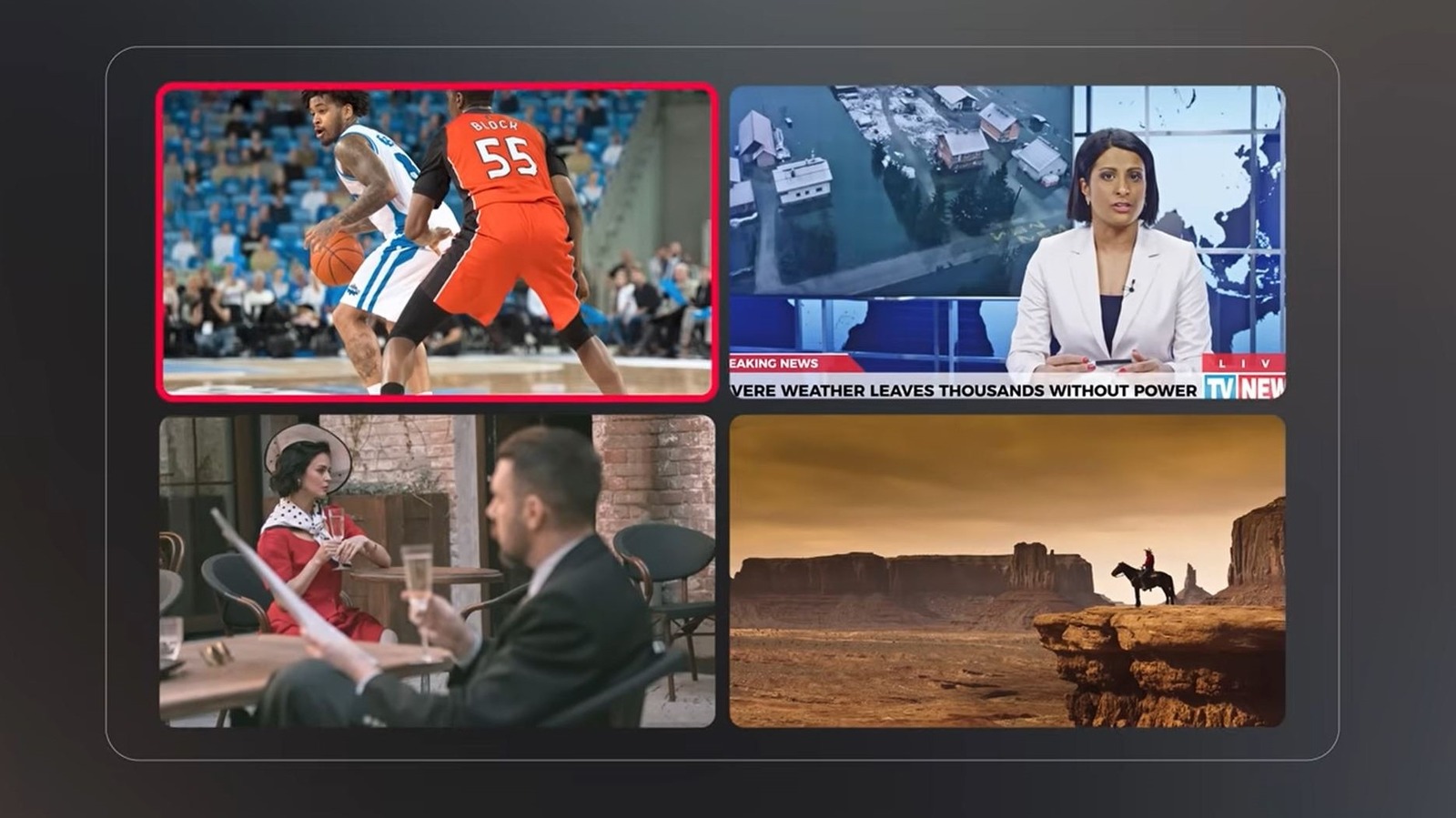
If you’re a frequent YouTube TV user, you might have noticed it getting better with recent updates. As Google promised, some big changes are rolling out to YouTube TV, affecting many aspects of how the service works. For example, there are now more premium plan options, we’ve seen some design and UI changes, and YouTube TV launched a game-changing new feature: multiview customization. Whereas previously, multiview — the proprietary version of picture-in-picture that lets you watch multiple streams at once — offered limited compatibility with live channels, you can now fully customize what’s shown in each panel. You can actually display nearly every live channel available in one of four multiview panes.
You can watch live sports games, add a TV show or movie to the mix, and throw up other content you’re keeping an eye on — like a channel with live financial tickers. Customization is here, it works great, and it certainly makes multiview more satisfying than it used to be. However, there are still limitations, leaving one to question if it could be improved further with a few minor tweaks. For starters, only live content is available, so you can’t watch DVR or on-demand content with it. Moreover, some devices won’t support the new functionality. Google says “less than 5%” of devices are incompatible, but that’s not an insignificant number.
I can’t help but imagine one big way to make multiview extra useful. Being able to choose additional TV inputs on supported devices. That may not even be possible, and it wouldn’t matter on mobile, but watching live sports alongside a game or content from another video source in a separate window would be awesome.
How does the YouTube TV multiview customization actually work?
Once you use the feature, customizing the viewable content in each pane is pretty straightforward. On a YouTube TV device that supports it, with content playing, press down on your remote, select the multiview option, and in the feature panel that appears, simply select which channels you want to watch simultaneously. Google calls this feature panel the Multiview Builder. You’ll also be presented with a few recommendations, such as “Top Picks for You,” “Watch in multiview” channels, and categories like Sports, TV, and more.
It’s a bummer you can’t use pre-recorded, DVR content or on-demand options with multi-view. You’re stuck with live channels only, which somewhat limits your options. It’s not totally unwarranted to hope we’ll see future upgrades. YouTube TV as a whole has been improving steadily. The TV app recently got the Ask feature, which has been available on mobile for years, on top of all the recent changes. With that, you can now ask AI for help to search and learn more about content. Moreover, the new multiview functionality is worlds better than before, so there’s that.
