


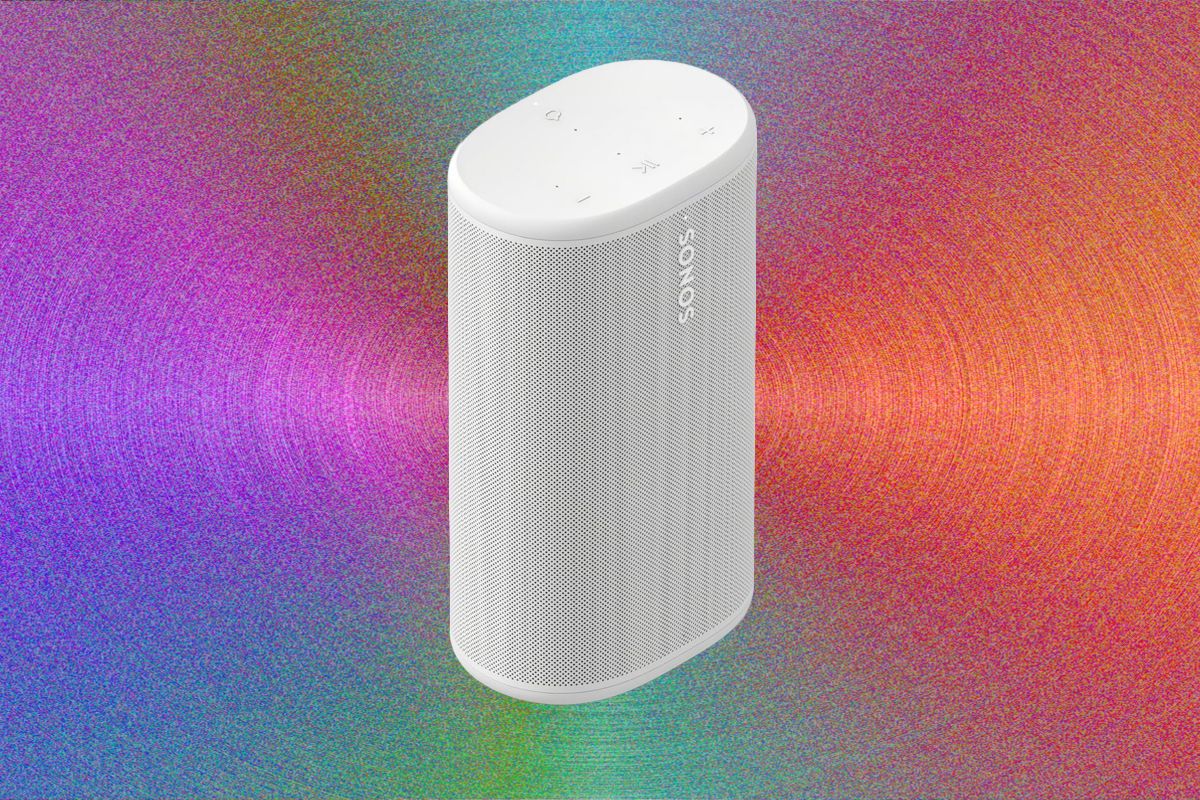
It’s smaller and more portable than the brutish Move, yet large enough to sound much fuller than the pint-sized Roam. It can sit fixed on its charging cradle to rival the homebound Sonos Era 100, or follow you anywhere. In other words, it’s the epitome of Sonos versatility, and now that it’s working properly, it’ll be hard to pass up.
Play On
Opening the Play’s brown cardboard packaging feels equal parts Scandi minimalism and sustainability, in line with recent releases like the Arc Ultra soundbar. Inside, a white acoustic wrapping gives way to a stout tubular speaker with a rubberized loop attached, measuring 7.6 x 4.4 x 3 inches and weighing just under 3 pounds. You’ll also find simple setup instructions and a wireless charging stand, but no wall adapter. You’ll need one that can supply at least 9 volts and 2 amps (18 watts), but a 15-volt, 3-amp (45-watt) model is recommended for “optimal” charging. Sonos says the adapter omission is about reducing e-waste, but will happily sell you one for $29.
Otherwise, the Sonos app is all you need to get going. After the obligatory firmware update, my Play was streaming on my home network in minutes. Sonos hosts over 100 streaming services directly, and you can also stream over third-party services like Spotify Connect, Tidal Connect, Apple AirPlay, and more. You’ll find the speaker as its own “Room” on the app’s main page, where you can swipe up to group it with other Sonos products on your network, or go into the settings to tweak options like EQ, Room name (important if you have more than one Play), and Sonos Trueplay to auto-adjust the sound to your environment.
You’ll also find a Battery Saver toggle, which is set by default to shut down the power when it’s idle for too long. It’s this feature that, according to Sonos, caused my connection woes as I tested the speaker’s 24-hour battery claim. Sonos says it identified the root cause, and after the firmware update I’ve let the speaker power down multiple times, with no further network disruptions over a week of extra testing.

Photograph: Ryan Waniata
